
Nintendo 3DS
An optimized rendering and audio path adapts to the original hardware. Demanding scenes may display fewer frames while the game engine keeps its timing.
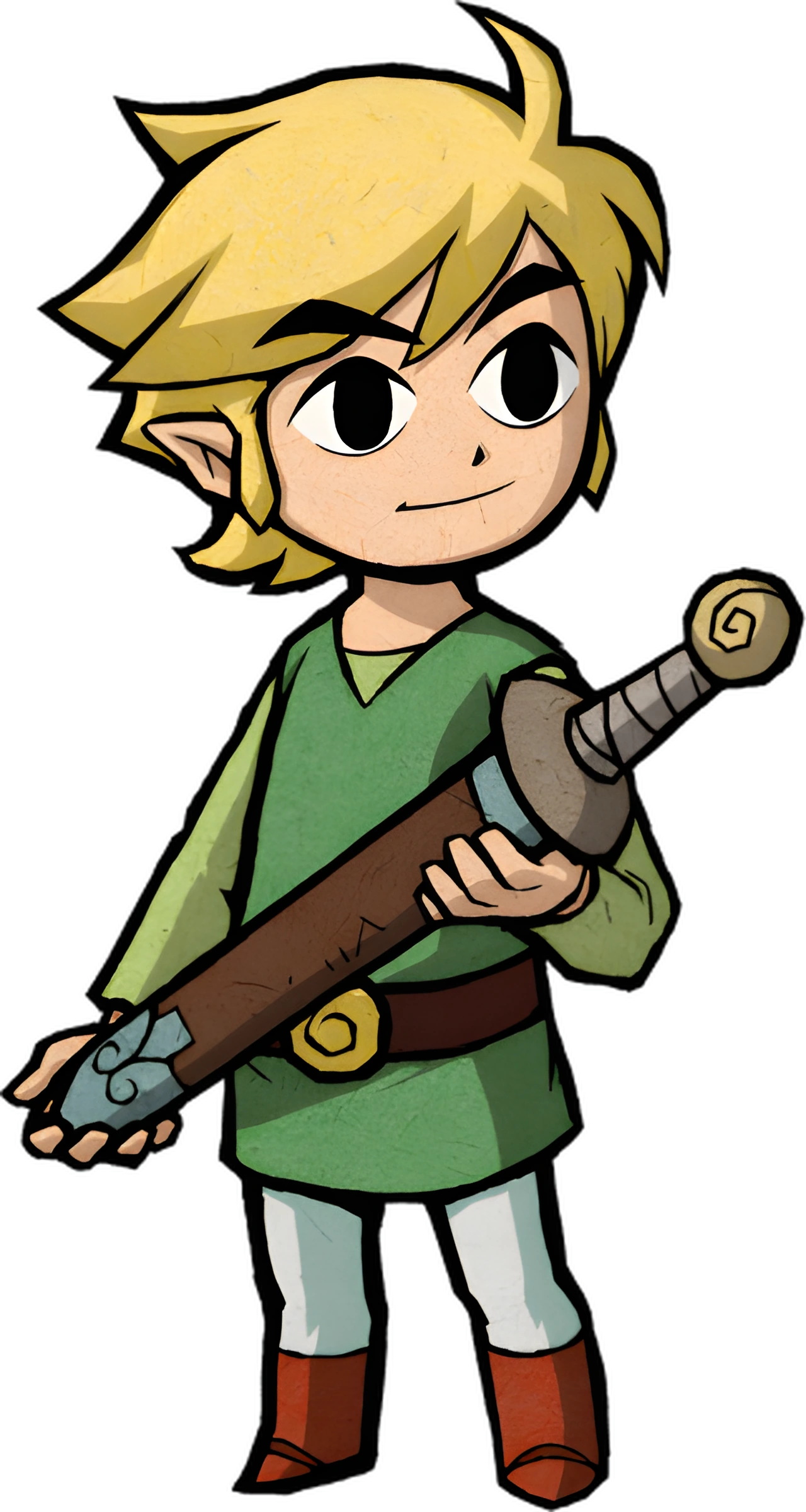
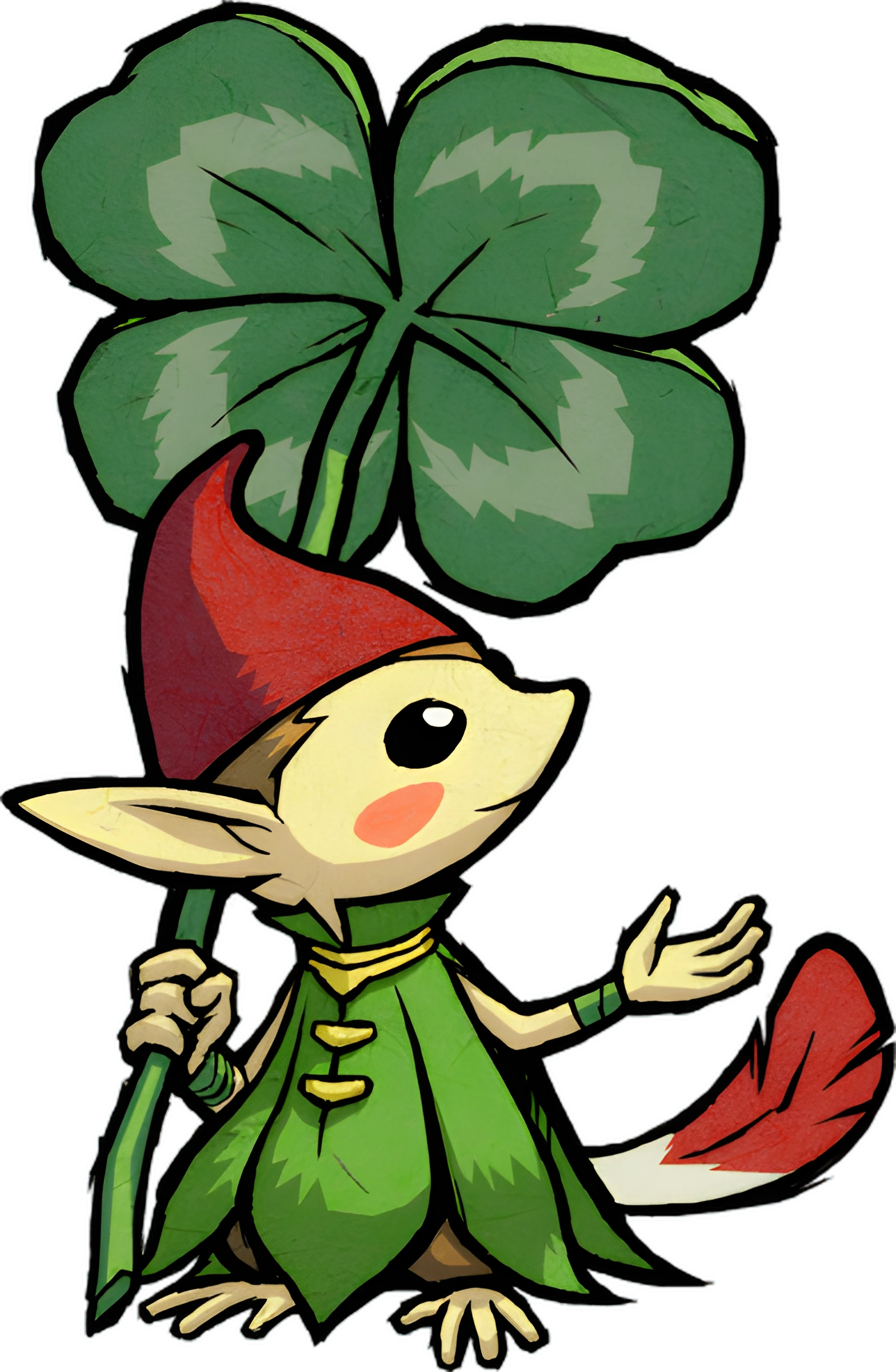
A little adventure begins…
Step beneath the leaves, meet the Picori, and rediscover a Game Boy Advance adventure on Nintendo 3DS.
Open the adventure The 3DS project
From Game Boy Advance to Nintendo 3DS.
The same beloved adventure, expanded onto a second screen.
GBA WHERE IT ALL BEGAN
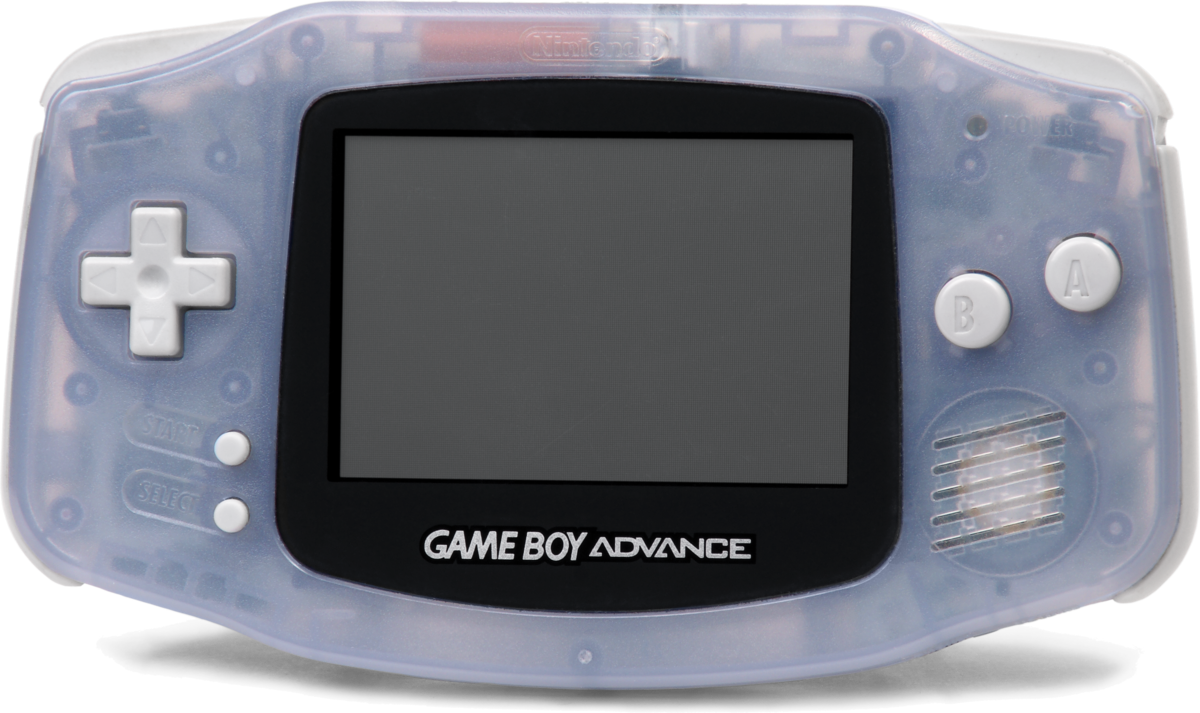
ORIGINAL HARDWARE Nintendo Game Boy Advance
3DS THE ADVENTURE CONTINUES
The adventure above. Hyrule below.
Explore Minish Woods, visit the festival
or dig through Mount Crenel. The companion display changes with each scene.
Explore the woods above while the lower screen follows Link on the map. Leaves and small paths lead into the hidden Minish world.
Enlarge the selected view to choose the upper or lower screen.
SETTINGS → SCREEN
Choose the framing, then choose how the pixels meet the screen.
ESTEBAN RECOMMENDSStretch + BilinearA sharp, comfortable view on Old and New 3DS.
01 / THE FRAMING
Stretch fills the 400 × 240 upper screen with the original view. It uses all the available space, making the image a little wider.
02 / THE PIXELS
Bilinear uses the port’s sharp scaling method: first a crisp 2× enlargement, then gentle filtering to fit the display. It keeps pixel edges more defined than Blur.
The GBA image starts at 240 × 160. The 3DS upper screen is 400 × 240: a whole 2× enlargement would need 480 × 320, so it cannot fit. Standard Pixel Perfect keeps a centered 1× image, with one source pixel for each display pixel and room around the picture.
IN THE GAME · TWO SCREENS
From Minish Woods to a cave on Mount Crenel, follow Link’s adventure above while maps and equipment stay within reach below.
Captured in Azahar · Port 2.2-E1 · Image previews show the upper screen. Open the viewer to switch screens; gameplay clips show both.
Explore the woods above while the lower screen follows Link on the map. Leaves and small paths lead into the hidden Minish world.
The Mole Mitts open a route through the soft ground of Mount Crenel. Items and quest information stay on the second screen.
Check collected items on the lower display without hiding the adventure. Switch to the map scene to see the other side of the companion interface.
BRING YOUR FAVORITE HANDHELD
The Minish Cap port supports both Old Nintendo 3DS and New Nintendo 3DS. It automatically chooses a performance profile for your console.
ESTEBAN’S EVERYDAY PICKStretch + BilinearA comfortable starting point on either generation.
An optimized rendering and audio path adapts to the original hardware. Demanding scenes may display fewer frames while the game engine keeps its timing.
Extra CPU power, L2 cache and multi-core rendering. The C-Stick also offers optional 2×–5× turbo.
The adventure on one screen. Maps, items, and quest information on the other. This native adaptation gives the little details a place of their own.
QUEST STATUS
Future improvements will build on this finished adventure.
Development status shared by Esteban.
With source work from zeldaret, Project Picori, and samyost1. Setup & full credits
The questions that keep coming up in the Minish Cap community, with answers checked against the project’s current documentation.
On a homebrew-enabled 3DS, install the CIA with FBI or launch the 3DSX through the Homebrew Launcher. Both formats and an FBI QR code are on the release page.
Put your own compatible .gba ROM in
sdmc:/3ds/The Minish Cap 3DS/. Any filename works; the extension must
be .gba. Installing the app does not supply the game ROM.
For later updates, open Settings → Update, select Stable or Pre-release, and read the changelog. Save first: a successful update closes the app. You can also install a new CIA over the old one without deleting your save folder.
Esteban recommends Stretch + Bilinear for everyday play on both Old and New 3DS. Choose Original + Bilinear if you prefer the original proportions with borders.
Wide shows more of the world, but some rooms can have visual issues. Try the display guide in the game and gallery chapter to compare the framing and pixel styles.
Both clean USA and European ROMs are supported, with automatic region detection. The European version is recommended because it received the most testing and includes several languages, including English.
European gameplay backports are already integrated into the port, so they do not require a separate ROM patch. Other ROM hacks and translation patches are not automatically compatible with a native port. Start with a clean supported ROM and consult the README’s checksums if detection fails.
A New 3DS is not required. Both Old and New Nintendo 3DS are supported, with different performance profiles. New hardware has additional performance features and C-Stick turbo.
This is a native Nintendo 3DS port, based on the game’s decompilation and Project Picori, with a separate lower-screen interface. It is not a general GBA emulator or a Virtual Console injection. Questions about running it inside a 3DS emulator are a separate compatibility matter; the hardware support described here refers to Nintendo’s consoles.
The randomizer is a planned feature and is not available yet. The reserved option in Settings does not currently activate a randomizer.
A patched ROM or seed will not enable it. Check future release notes for news about this feature.
Current 3DS implementation notesCompatible mGBA / VBA-M .sav files can be transferred manually. Back up your files first, close the game, and use a save from the same ROM region.
Place the save in sdmc:/3ds/The Minish Cap 3DS/: use
tmc.sav for USA or tmc_eu.sav for Europe. Emulator save
states are a different format. Renaming a save does not convert it between
regions.
When updating an existing installation, keep the save and its companion files. If a legacy save is rejected, check the latest release notes before changing or deleting anything.
Our community is here to help. Join Esteban’s Forge on Discord for new releases, setup advice and a place to share your adventure.
For a crash or visual bug, press L + R + A to create a diagnostic dump in
the game’s dumps/ folder.
Attach the dump to a GitHub issue or share it in our Discord community.
Include your console model, game version, ROM region and the steps that caused the
problem.
No sound? In Luma3DS’s Rosalina menu, use Miscellaneous options → Dump DSP firmware, then restart the game.
Based on Esteban’s Minish Cap and Help & Support discussions, with current setup and feature information from the project README.