
THE LEGEND OF ZELDA
 A Link to the Past
Two worlds.
One legendary adventure.
Answer the call of Hyrule. Rediscover the Super Nintendo classic, crafted for two screens on Nintendo 3DS.
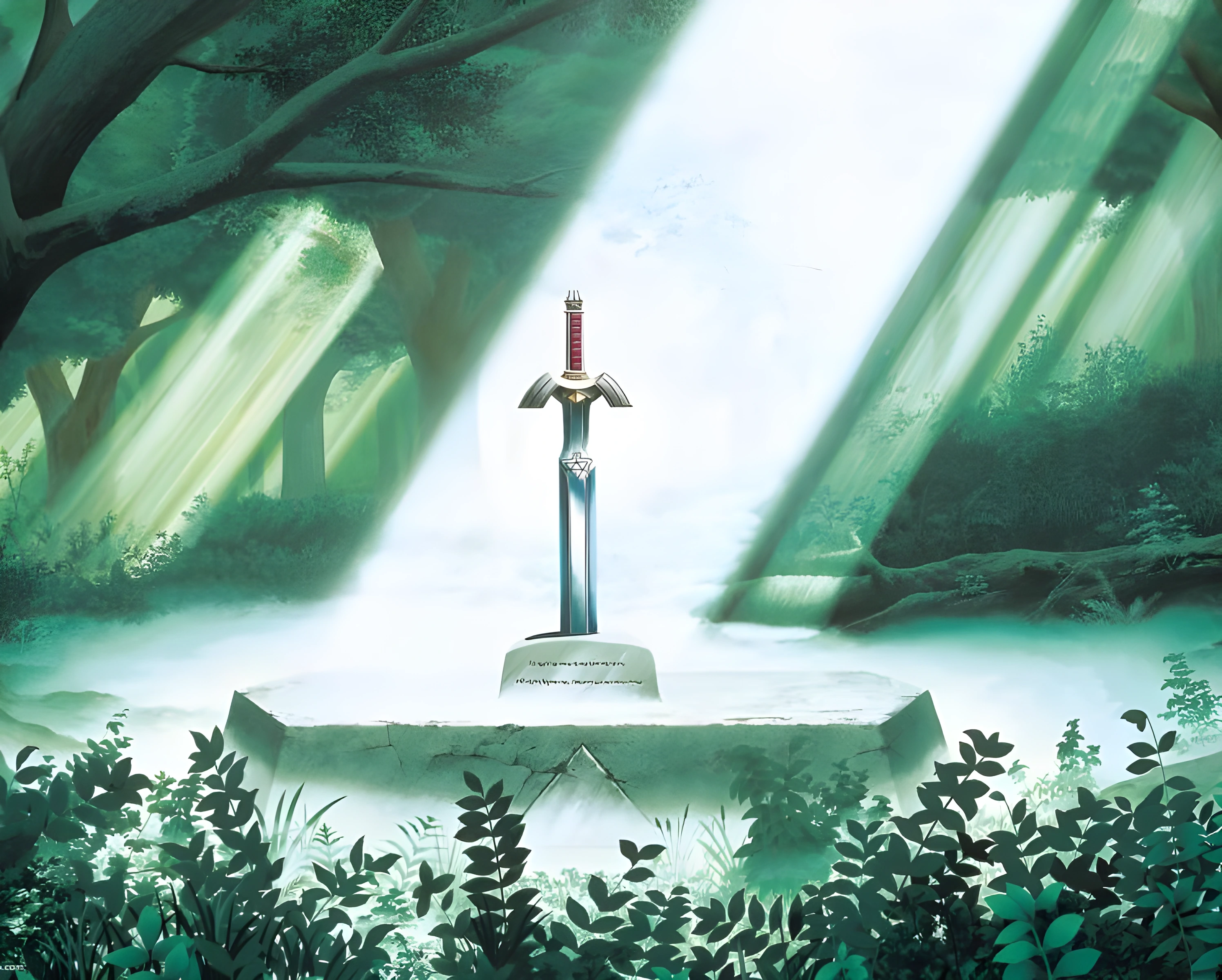
THE LOST WOODS A sword waits for its hero.
FROM THE SUPER NINTENDO CHRONICLES
A rainy night.
A call from the castle.
Some adventures stay with you.
A young hero, an ancient kingdom, and a world with a darker reflection. From the halls of Hyrule Castle to the secret paths of the Lost Woods, every discovery leads a little further into the legend.
This native port brings that journey to Nintendo 3DS, with the adventure above and the tools to explore it just below.
Revisit the original instruction booklet
Sixteen-bit roots.
A new home on Nintendo 3DS.
Ⅱ · THE NINTENDO 3DS ADVENTURE
Hyrule above.
Everything you need below.
A dedicated second screen for maps, equipment and items. More of the world. Less in the way.
Eastern Palace
Eastern Palace. Captured from the Nintendo 3DS port.
Enlarge the selected view to choose the upper or lower screen.
THE LOWER SCREEN
Never lose your way.
Follow your position on a live overworld map, or check the floor you are exploring inside a dungeon. Hyrule stays close at hand.
Overworld map · Dungeon floors · Gear
CHOOSE YOUR VIEW
A wider window into Hyrule.
Native 400 × 240. Choose Standard or Fixed camera behavior in Settings → Screen.
Framing guide. Some original rooms have fewer tiles to show.
IN THE GAME · TWO SCREENS
A field guide to two worlds.
Travel between the Light and Dark Worlds, explore dungeon floors and keep Link’s equipment close. These scenes show how the Super Nintendo adventure uses both Nintendo 3DS displays.
Captured in Azahar · Port 3.2 · Image previews show the upper screen. Open the viewer to switch screens; gameplay clips show both.
A familiar kingdom, transformed.
The Pyramid of Power opens a view into the Dark World. Its lower-screen map helps place Link in the kingdom’s darker reflection.
One floor at a time.
Inside the Palace of Darkness, the lower display shows the dungeon floor and Link’s position while the room remains visible above.
The right item within reach.
The classic inventory can be opened above, with equipment and the touch item grid still visible on the lower screen.
A few moments in motion.
Ⅲ · BRING YOUR HANDHELD
A legend for
both generations.
The adventure runs on Old Nintendo 3DS and New Nintendo 3DS, with a rendering path adapted to each console.
A dedicated GPU rendering path, with fallback for effects that need it.
A CPU rendering path that makes use of the newer hardware.
Performance varies with the scene and console. See the current hardware notes.
Ⅳ · THE FIELD MANUAL
Before you draw your sword.
A few essentials for the journey ahead.
Begin your quest
You will need a homebrew-enabled 3DS and your own clean USA SNES game dump.
Download the port Read the complete setup guide- 01
Choose how to install
Install the CIA with FBI, scan the release’s QR code, or launch the 3DSX through Homebrew Launcher.
- 02
Bring the original adventure
Put a clean, unheadered USA .sfc or .smc in this folder.
zelda3.sfcis the recommended filename.sdmc:/3ds/Zelda 3DS/ - 03
Let Hyrule take shape
Press A on first launch to validate the ROM and extract the game assets locally. The download contains no ROM or extracted game assets.
- 04
Make room for the music
Audio needs
sdmc:/3ds/dspfirm.cdc. Rosalina’s Dump DSP firmware option creates it from your console.

A LITTLE GUIDANCE
Answers for
the road.
From getting started to returning to the title screen.
01Why does it ask for a ROM?
The application is a native port of the Zelda3 engine. It extracts the original
artwork, maps, music and other game data from your clean USA ROM on the console.
Installing the CIA or 3DSX alone is not enough. Place the ROM in
sdmc:/3ds/Zelda 3DS/, then press A when prompted.
02Does it work on Old and New 3DS?
Yes, both generations are supported. Rendering performance depends on your console and the scene. Configurable turbo also works on both: hold ZL or the C-stick on New 3DS, or hold X for one second on Old 3DS. A short tap of X still performs its normal action.
03Which display mode should I use?
WIDE uses the 400 × 240 upper display. ORIGINAL keeps the 256 × 224 game view, and STRETCH fills the display. WIDE has Standard and Fixed camera options. Choose in Settings → Screen; your preference is saved for that ROM. Some rooms do not contain enough original tiles to fill a wider view.
04What about translations, Redux or a randomizer?
For a translation, keep both the clean USA ROM and your patched ROM in the game
folder. Compatible patches can provide translated text while the clean copy
supplies the original assets. Compatibility depends on the patch.
Gameplay-changing
hacks such as Redux do not work simply by selecting a patched ROM: this port
runs its own engine. A randomizer is planned as a possible future addition; it
is not currently available and has no announced date.
05Will updates keep my saves?
Updates retain the port’s saves. Save in-game before updating, keep the same
ROM filename and back up the game folder before changing files. Each ROM profile
has its own saves and settings.
Importing an emulator’s
.srm file is not part of the documented setup. Ask for help before
replacing a save; renaming a file is not a supported conversion procedure.
06How do I return to the title screen?
The port resumes the previous session. Open
Settings → Restart and choose the ROM again to start from the
title screen; your normal saves remain.
If an older build goes black
or silent after Restart, update to v3.2 or later. That specific
issue was fixed in v3.2.
A chapter complete.
100% complete · Development status shared by Esteban. Future improvements continue through project updates.

YOU DON’T HAVE TO GO ALONE
Need a little guidance?
If something looks wrong, press L + R + A while the
issue is visible. Wait for DUMP SAVED, then share the complete new
folder from sdmc:/3ds/Zelda 3DS/dumps/.
Tell us your console model, port version, ROM region or translation patch, and what you were doing. Send the report through GitHub or our Discord community.