
Program Manager - Legend of Doom

WELCOME.TXT
C:\FORGE\LEGEND_OF_DOOM
Legend of Doom. Same Hyrule.
A different
point
of view.
The world you remember. The perspective you don't. Step inside the original Zelda adventure, rebuilt in first person and brought to New Nintendo 3DS.
DeTwelve Games' adventure.
EstebanPdN's Nintendo 3DS port.
HYRULE.BMP - Image Viewer
Hyrule · first-person view
Hyrule · first-person view. Captured from the Nintendo 3DS port.
Enlarge the selected view to choose the upper or lower screen.
IN THE GAME · TWO SCREENS
Walk into Hyrule.
Explore the original Zelda’s Hyrule in first person. The companion screen keeps the map and status in view, with display options ready when you need them.
Captured in Azahar · Port 1.0 · Image previews show the upper screen. Open the viewer to switch screens; gameplay clips show both.
Meet Hyrule at eye level.
A familiar enemy becomes a close encounter in the forest. The lower screen keeps the local map, hearts and collected resources in view.
Find your bearings.
The automap fills the upper screen with the surrounding area. The companion display continues to show the local map and Link’s status.
Make the view your own.
The display menu is available on the lower screen, with controls for the upper HUD, aspect and other presentation options.
A few moments in motion.
Control Panel - Two screens, one adventure
SYSTEM PROPERTIES
Hyrule above.
Your bearings below.
An unlikely adventure, at home on two screens.
- 01 The adventure
- Explore Hyrule in first person on the upper display, with the familiar forests, enemies and secrets of the original world.
- 02 The companion
- Tap an item to select it, or tap the map to change its zoom. Your hearts, inventory and bearings stay close at hand.
- 03 Your controls
- Move with the Circle Pad and look with the C-stick. R attacks, A interacts and Start pauses the adventure.
New 3DS · New 3DS XL · New 2DS XL
Old Nintendo 3DS and original 2DS are
not supported.

Two classics. One unexpected world.
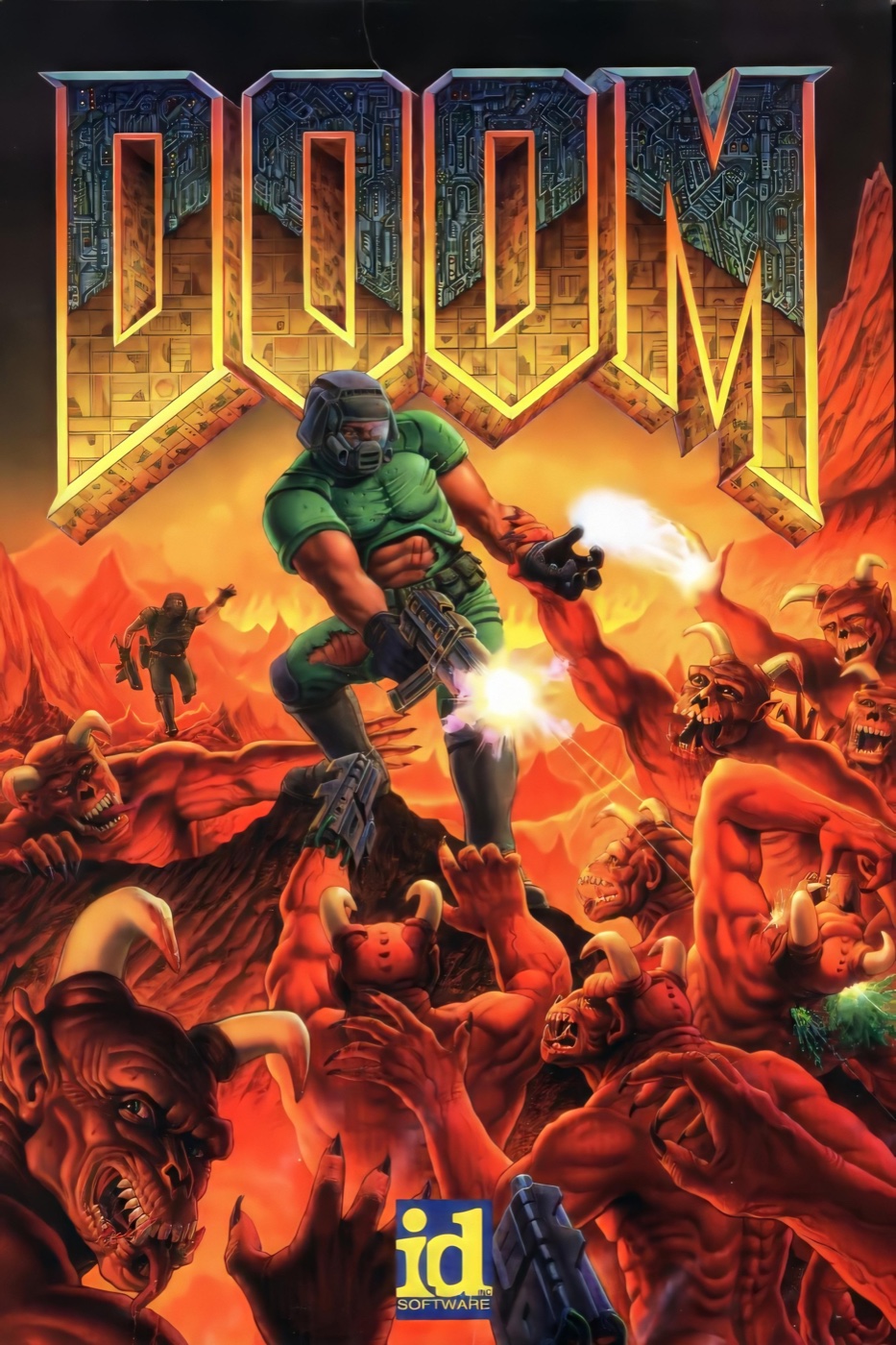
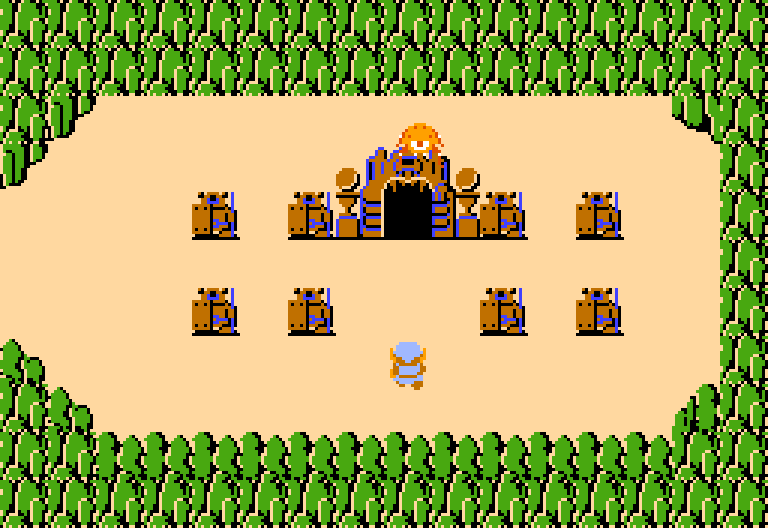
Eight-bit Hyrule meets the first-person language of DOOM.

DOOM.JPG - PC archive
HYRULE.NES - Adventure archive
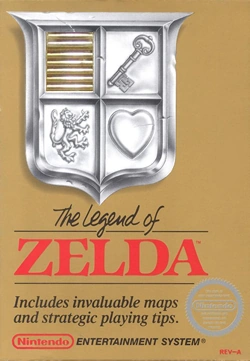
NINTENDO ENTERTAINMENT SYSTEM
It's dangerous
to go alone.
DeTwelve Games reimagined the original Zelda as a GZDoom adventure. This port gives that meeting of worlds a new home on Nintendo's handheld.
Open the original manualLegend of Doom Setup
INSTALLATION GUIDE
Welcome to Hyrule.
Start with a homebrew-enabled console from the New Nintendo 3DS family.
- 1
Get the stable release
Download the CIA from the latest GitHub release. Keep its version and any accompanying instructions together.
- 2
Install with FBI
Copy the CIA to your SD card and install it with FBI. The matching game data is embedded in the CIA.
- 3
Launch from the HOME Menu
No NES ROM or commercial DOOM IWAD is needed. The package uses Freedoom2 as its base.
Legend of Doom Help
01Will it work on my Old 3DS?
This release targets the New Nintendo 3DS family: New 3DS, New 3DS XL and New 2DS XL. Old 3DS, Old 3DS XL and the original 2DS are not supported.
02Do I need a Zelda ROM or a DOOM WAD?
No NES ROM or commercial DOOM IWAD is required. The release uses
Freedoom2 as the base. The CIA embeds its matching game data.
For Homebrew Launcher, copy the complete release ZIP's 3ds folder
to the root of your SD card. The standalone 3DSX is not enough.
03Can I use this to run other GZDoom mods?
This is a dedicated Legend of Doom port, not a general-purpose GZDoom launcher for the 3DS. Support for other mods is not part of this release.
04What can I do on the lower screen?
Keep an eye on the map, hearts and inventory while the adventure stays above. Tap items to select them and tap the map to change its zoom. Touch controls also work in the menus. Camera input can use the C-stick, touch or both.
05Why is there no sound on my console?
Check that your console's DSP firmware has been dumped to
sdmc:/3ds/dspfirm.cdc. In Luma3DS, open
Rosalina → Miscellaneous options → Dump DSP firmware. Also
check the game's master, music and effects volume settings.
06What should I send with a bug report?
Capture the issue while it is visible, then send the complete new report
folder from sdmc:/3ds/legend-of-doom/dumps/.
- L + R + A · Quick dump - Both screens, raw framebuffers, game state, configuration and diagnostic logs. Includes a memory-map summary, without the large RAM image. Start here for an ordinary bug report.
- L + R + X · Full dump - Everything in a quick dump, plus
the game's readable memory in
memory.binand its map. The memory payload is roughly 136 MiB; allow extra SD space and wait for capture to finish. - L + R + Y · Clean dumps - Deletes all saved dump reports to free SD space. Copy or send the reports you need first. Saves, configuration and ordinary logs stay intact.
Include your console model, release version and steps to reproduce. For
updater errors, also attach sdmc:/3ds/legend-of-doom/update.log.
Use GitHub issues or Discord below.
Support - Send a field report
C:\Forge\
Hold L + R, then press the action button.
QUICK_DUMP [L + R + A]
Screens, game state and logs.
RAM image: not included.
FULL_DUMP [L + R + X]
Quick report + readable game RAM.
memory.bin: approximately 136 MiB.
CLEAN_DUMPS [L + R + Y]
Delete stored dump reports.
Saves and configuration: preserved.
Report directory:
sdmc:/3ds/legend-of-doom/dumps/
C:\Forge\
Don't explore alone.
Start with a quick dump. Press L + R + A while the problem is visible. It captures both screens, raw framebuffers, game state, configuration and diagnostic logs, without a large memory image.
Need a deeper report? Use L + R + X for a full
dump. It adds the game's readable RAM as memory.bin, with offsets in
memory-map.txt. The memory payload is around
136 MiB, so leave enough free space on your SD card and wait for
the capture to finish.
Free up space afterward. Once you have copied or shared your reports, L + R + Y clears the dumps folder. It leaves your saves, configuration and ordinary logs untouched.
Send the complete report folder with your console model, release
version and the steps that caused the issue. For updater problems, also attach
sdmc:/3ds/legend-of-doom/update.log.

An adventure, complete.
Original conversion by DeTwelve Games.
Built on GZDoom, with Freedoom and the
3DS homebrew toolchain.