
SUPER NINTENDO / 1993 → NINTENDO 3DS
 A NEW
A NEW
FLIGHT PATH.
The familiar skies. The impossible angles.
An entire squadron, coming to two screens.

MISSION BRIEFING
Return to the Lylat system.
A small cartridge.
A whole new dimension.
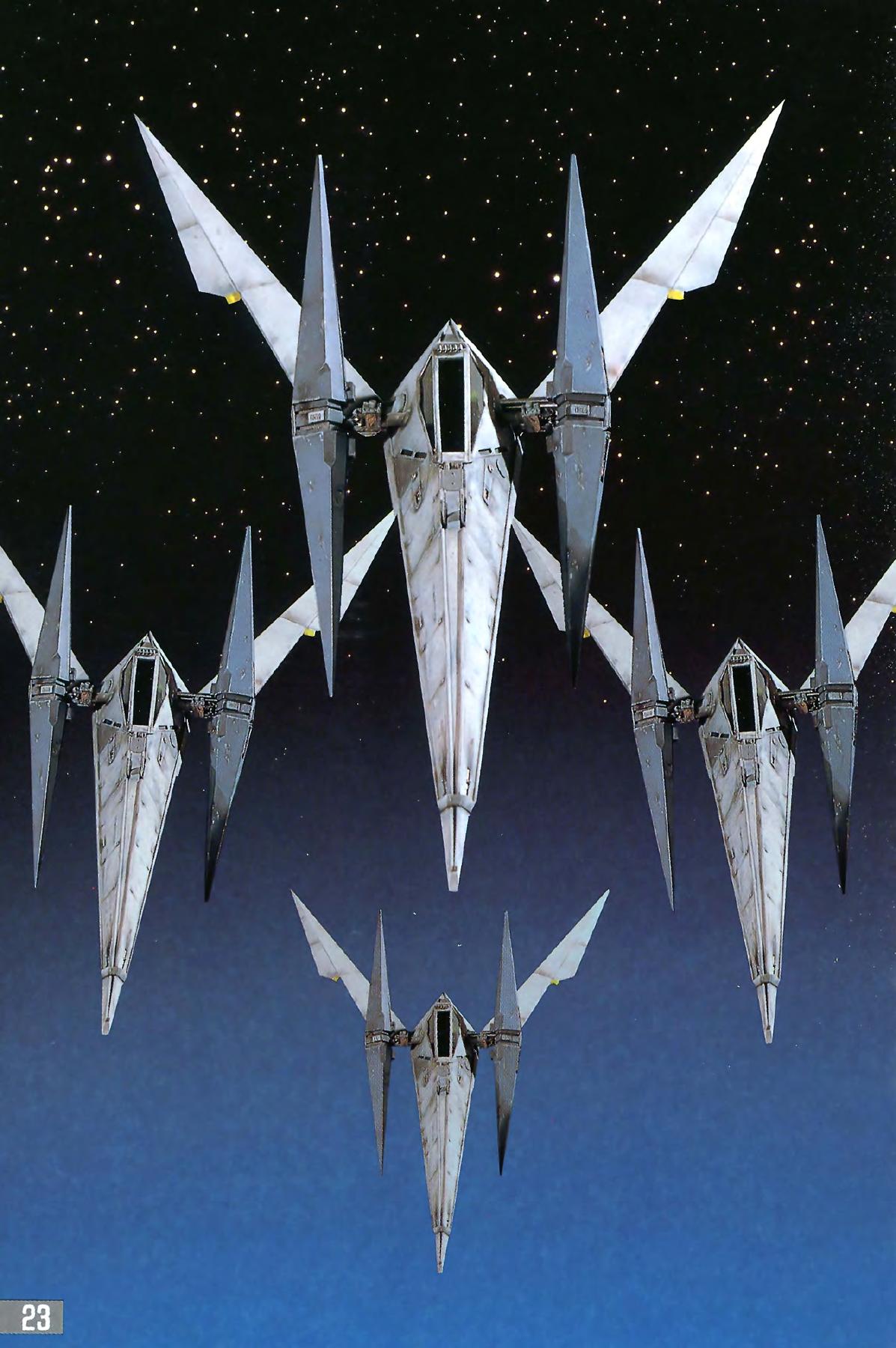
Star Fox made its world out of sharp wings, angular cities and wide-open skies. Starwing 3DS brings that Super Nintendo adventure to Nintendo’s handheld through a native adaptation of the original source work.
In 1993, the Super Nintendo took flight in three dimensions. The Super FX chip inside the Star Fox cartridge helped draw the polygonal ships, buildings and landscapes of the Lylat system. Nintendo and Argonaut brought a new kind of world to the 16-bit console.
The mission continues on Nintendo 3DS. Explore the development views, get familiar with the controls and prepare your flight kit.
The Super FX story, told by Nintendo THE LYLAT SYSTEM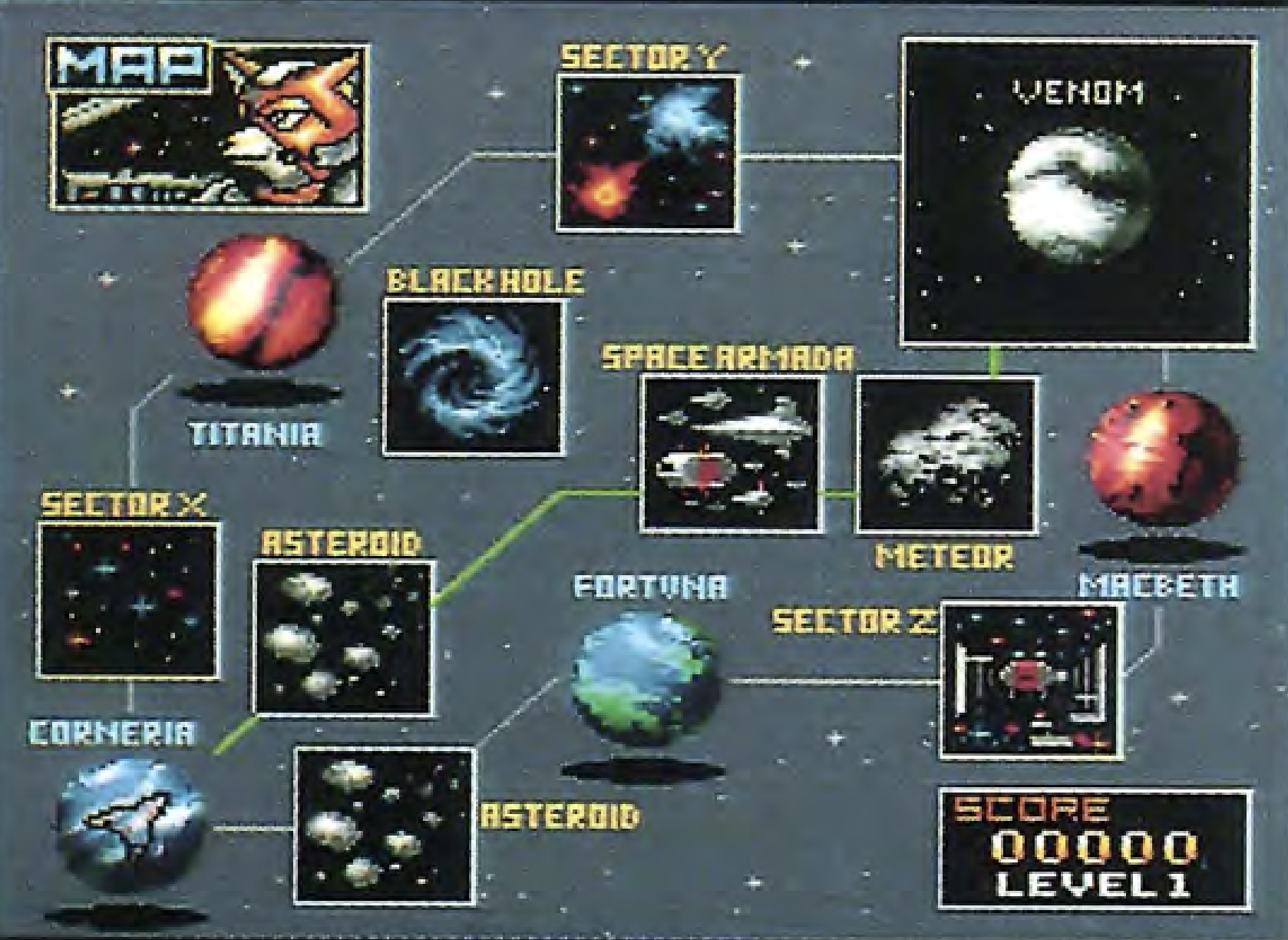

FLIGHT RECORDER
Eyes on the horizon.
Corneria · city flight
Fly through the city while the second screen carries shields, bombs and squad communications. Both displays come from the same captured moment.
IN THE GAME · TWO SCREENS
From the hangar to Lylat.
Launch over Corneria and weave through the asteroid field. The Super Nintendo’s polygonal worlds fill the upper screen while your cockpit and wingmates stay close below.
Captured in Azahar · Port 0.80 · Image previews show the upper screen. Open the viewer to switch screens; gameplay clips show both.
Scramble over Corneria.
Fly through the city while the second screen carries shields, bombs and squad communications. Both displays come from the same captured moment.
Beyond the atmosphere.
The asteroid field trades city streets for obstacles in open space. The lower cockpit keeps mission information close at hand.
Choose your flight view.
The display menu offers Original and Wide presentation, plus the choice to show or hide the upper-screen HUD.

YOUR NEW COCKPIT
The sky above. Control below.
The original world, in a wider view.
A 400 × 240 upper-screen presentation, with a separate 320 × 240 touch interface. Game action above; options and diagnostic controls below.
Familiar buttons. Ready thumbs.
Move with the Circle Pad or D-pad. A, B, X, Y, L and R map to their SNES counterparts. START and SELECT retain their roles, with additional developer shortcuts.
A little more space between the wings.
The 3D slider enables experimental depth in eligible wide gameplay and training. Other screens remain flat.
New 3DS is the current hardware target. Old 3DS compatibility, sustained performance and full-game testing are still being validated.

FROM THE FLIGHT MANUAL
Know what’s out there.
Distinctive shapes. Unforgettable encounters.
The original instruction booklet is your guide to the Arwing, the squadron and the Lylat
system.

PREFLIGHT CHECKLIST
Prepare for your next launch.
Coming soon. There is no public release package yet. These are the setup steps documented by the source project for a compatible build.
- 01
Install the matching CIA.
When you have a compatible Starwing 3DS build, install its CIA using FBI on a homebrew-enabled console. Follow that build’s own release notes.
- 02
Bring your own clean ROM.
Create
/3ds/Starwing/on the SD card and add a supported.sfcor.smcfile. The project does not include game data. - 03
Let the flight kit assemble.
First launch validates the ROM and builds
Starfox-Assets.BINlocally. Original starts by default. Choose your source file under Options → ROM Files.

PILOT’S HANDBOOK
A few things before you fly.
01Is a public download available?
+
Not yet. Starwing 3DS is in development, and the public repository has no published release package. Follow the source project or join the community for updates. The collection’s 70% is a development status, not a frame-rate or gameplay-completion claim.
02Which ROM should I use?
+
Use your own compatible, clean .sfc or .smc file: Star
Fox Japan 1.0/1.1, USA 1.0/1.1/1.2, Starwing Europe 1.0/1.1 or Germany 1.0. A
clean file is 1,048,576 bytes; a 512-byte copier header is also accepted. Modified
or unknown revisions are rejected. The project does not supply ROMs.
03What happens on the first launch?
+
Put the ROM in sdmc:/3ds/Starwing/. The port checks the revision and
constructs Starfox-Assets.BIN locally. A matching existing bundle can
be reused. Keep the original ROM and generated files together when you update.
04Can I play Star Fox EX?
+
Original starts by default. The current source also offers Options → Game Version → Star Fox EX, followed by a restart. EX is not fully supported; it has not received the same development attention. ROM Files selects the source ROM.
05Does it support Old 3DS, 60 FPS and stereoscopic 3D?
+
These are separate questions. Current hardware work targets New 3DS; Old 3DS qualification is still pending. The original game logic runs near 20 Hz, while presentation has a separate 60 Hz target. That target is not a confirmed sustained frame rate. Slider-based depth is experimental and limited to eligible wide gameplay and training; other screens remain flat.
06How do I keep my saves and settings?
+
Keep your ROM, asset bundle, EX SRAM and autosaves when upgrading. Optional
per-game checkpoints are available; autosave is off by default. Settings live in
sdmc:/3ds/Starwing/options.cfg. To restore defaults, close the
application and rename that file. Save behavior and system lifecycle checks remain
part of development testing.
REPORT TO MISSION CONTROL

Something on
your radar?
Tell us the build, console model, Original or EX, ROM revision, scene and settings. Add the steps that reproduce the problem, along with reviewed screenshots and diagnostic summaries.
Capture the issue for local review.
Complete process memory. Keep this capture private.
Delete dump folders, including unfinished captures.
Show or hide the diagnostic display.
sdmc:/3ds/Starwing/dumps/
Share reviewed evidence, not a complete dump archive. Keep ROMs, asset bundles, saves and
full memory files out of public issues. A finished capture has a
COMPLETE marker; interrupted captures retain .partial.
THE NEXT SORTIE
Still building. Still flying.
Starwing 3DS is an ongoing adaptation by EstebanPdN.
Follow the project as the next flight takes shape.