
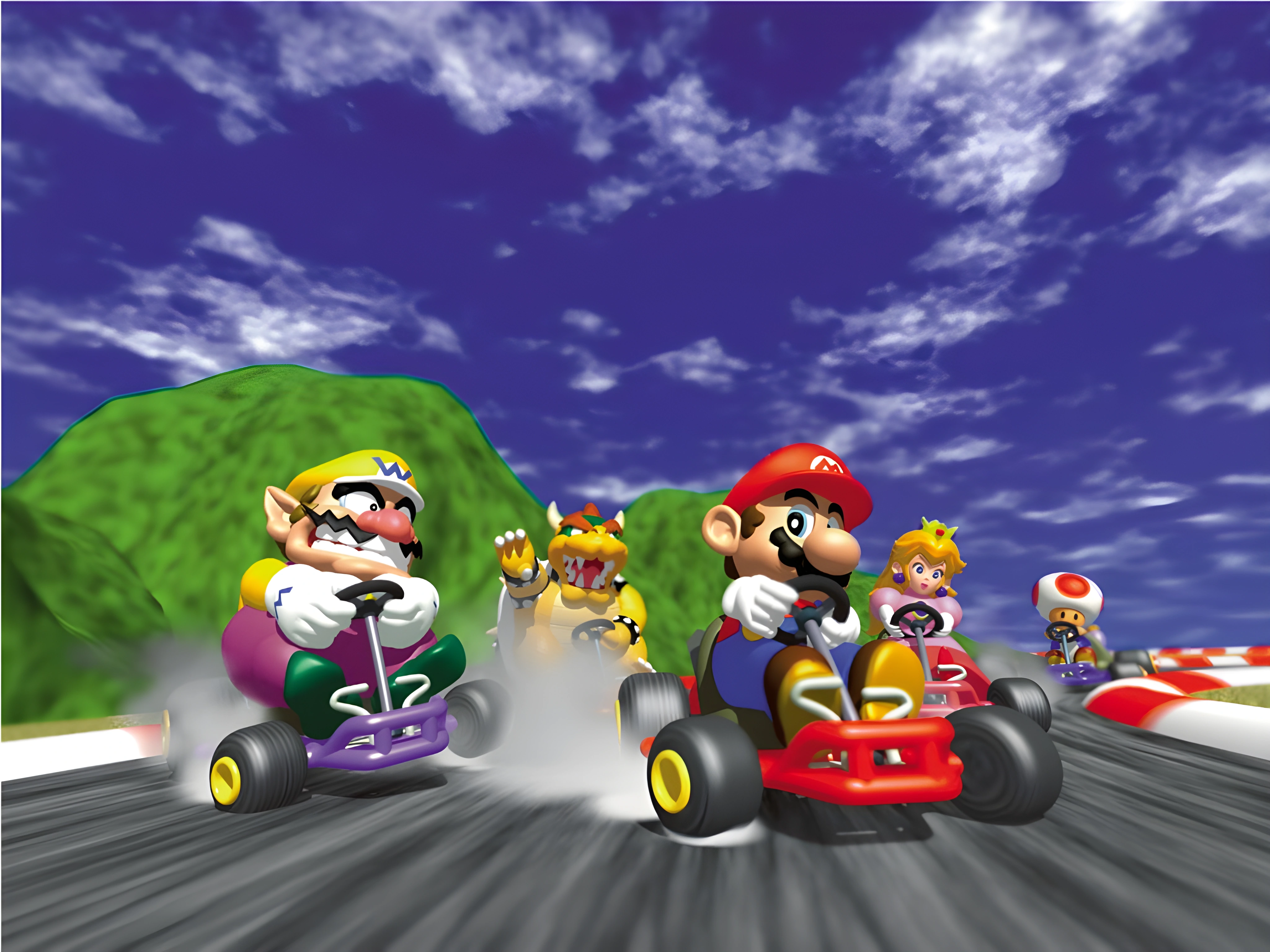
NINTENDO 64 ORIGINAL → NINTENDO 3DS
Back on the
starting grid.
The corners you know. The rivals you remember.
One more lap, now in your hands.
1. Introducing the port
Two screens.
One more race.
A native adaptation built on
SpaghettiKart.
The familiar drive, with a little more room for the details.
THE RACE
A native 400 × 240 race view. Adjust the render scale, distance and Bilinear, Blur or CRT filtering to suit your setup.
THE SECOND SCREEN
The lower screen brings together touch menus, the course map and race information. Five HUD layouts let you find your preferred view.
Built with profiles for both generations. Performance depends on your hardware and settings.
Hardware & performance questions ↓Take a closer look.
01 / 12Koopa Troopa Beach · VS race
Koopa Troopa Beach brings coastal turns and a full field of racers. The lower map keeps the course in sight beyond the next corner.
Enlarge the selected view to choose the upper or lower screen.
IN THE GAME · TWO SCREENS
Race day, on both screens.
Follow the racing line on Luigi Raceway, Koopa Troopa Beach and Rainbow Road. The lower display keeps the course map in sight as the race unfolds above.
Captured in Azahar · Port 1.6-E15-local · Image previews show the upper screen. Open the viewer to switch screens; gameplay clips show both.
Chase your own best lap.
Luigi Raceway’s broad straight opens the Time Trials run. The course outline and lap information sit on the lower display.
Trade the tarmac for sand.
Koopa Troopa Beach brings coastal turns and a full field of racers. The lower map keeps the course in sight beyond the next corner.
One more lap above the clouds.
Bright rails frame Rainbow Road’s winding course. Compare the view ahead with the full circuit on the lower screen.
2. Mario Kart 64 courses
Know every corner.
Four cups. Sixteen circuits. A whole lot of memories.
Explore Nintendo’s original
illustrations of the circuits.
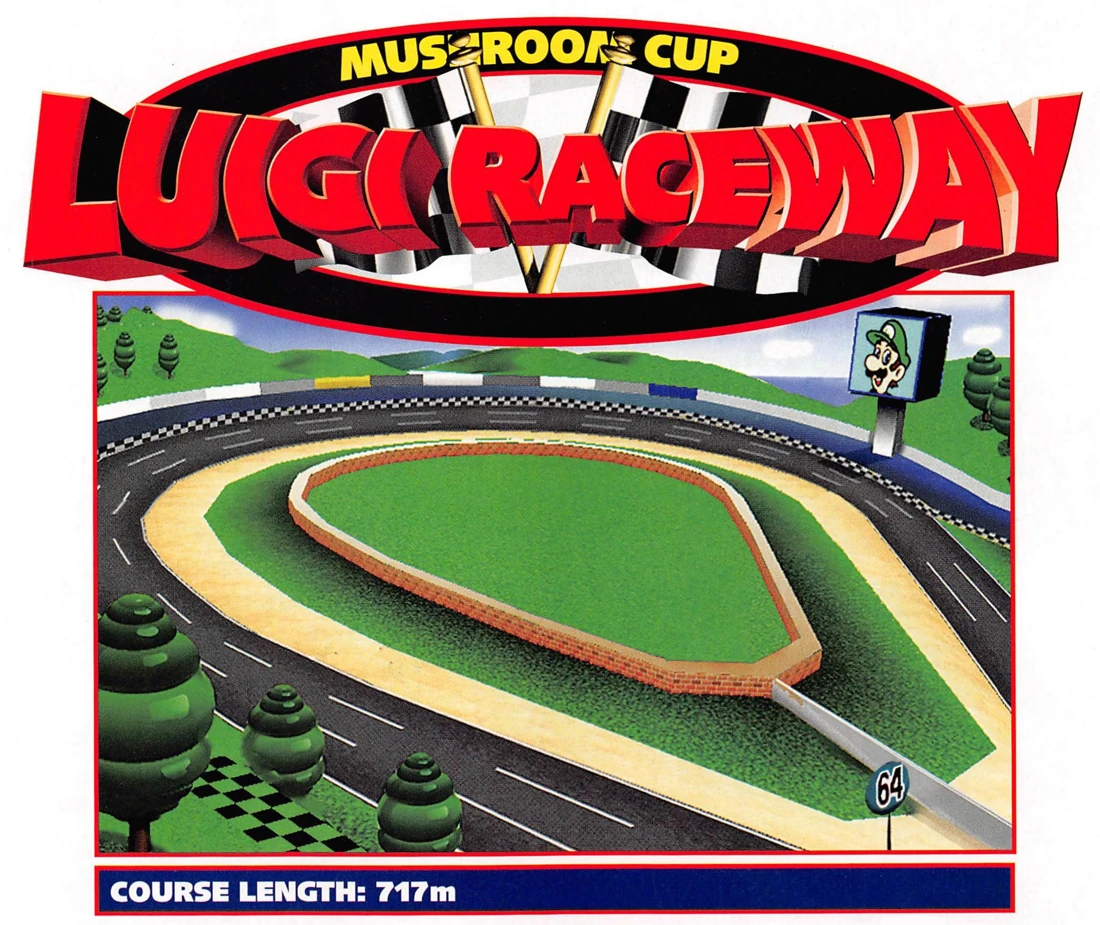
Luigi Raceway

Moo Moo Farm
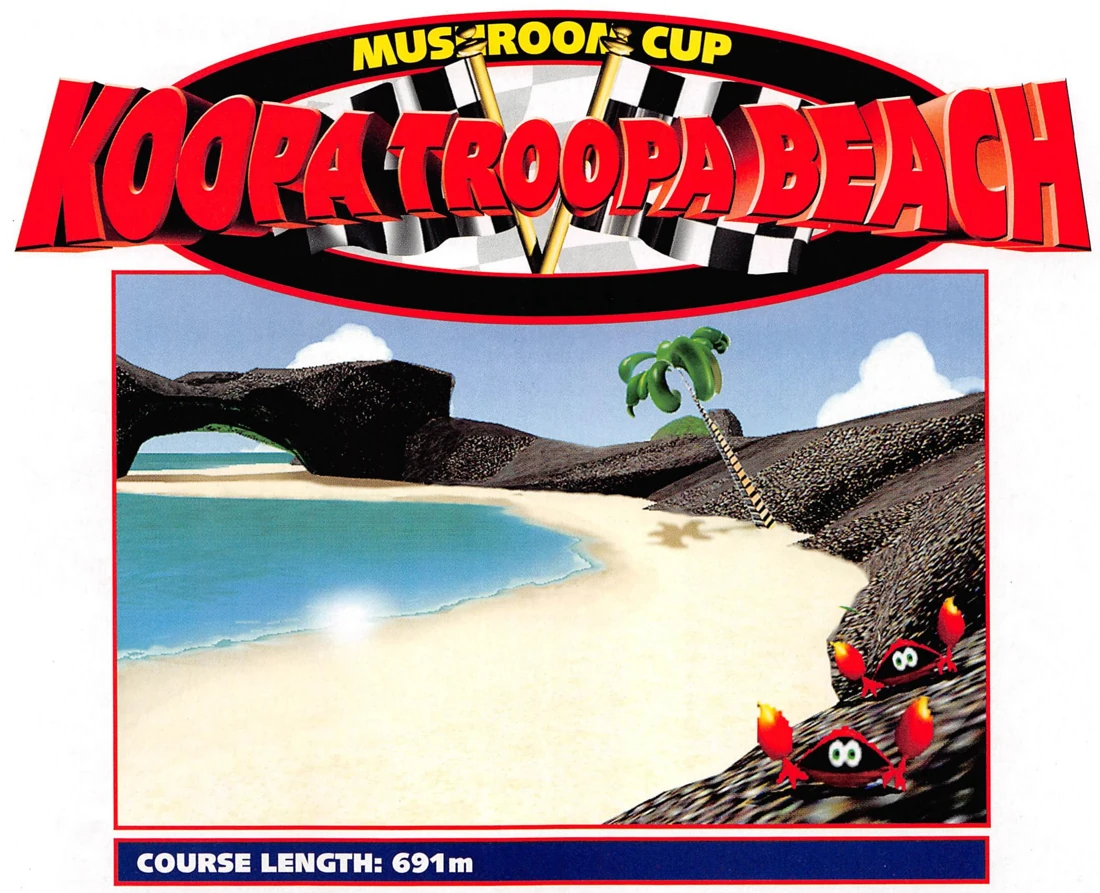
Koopa Troopa Beach
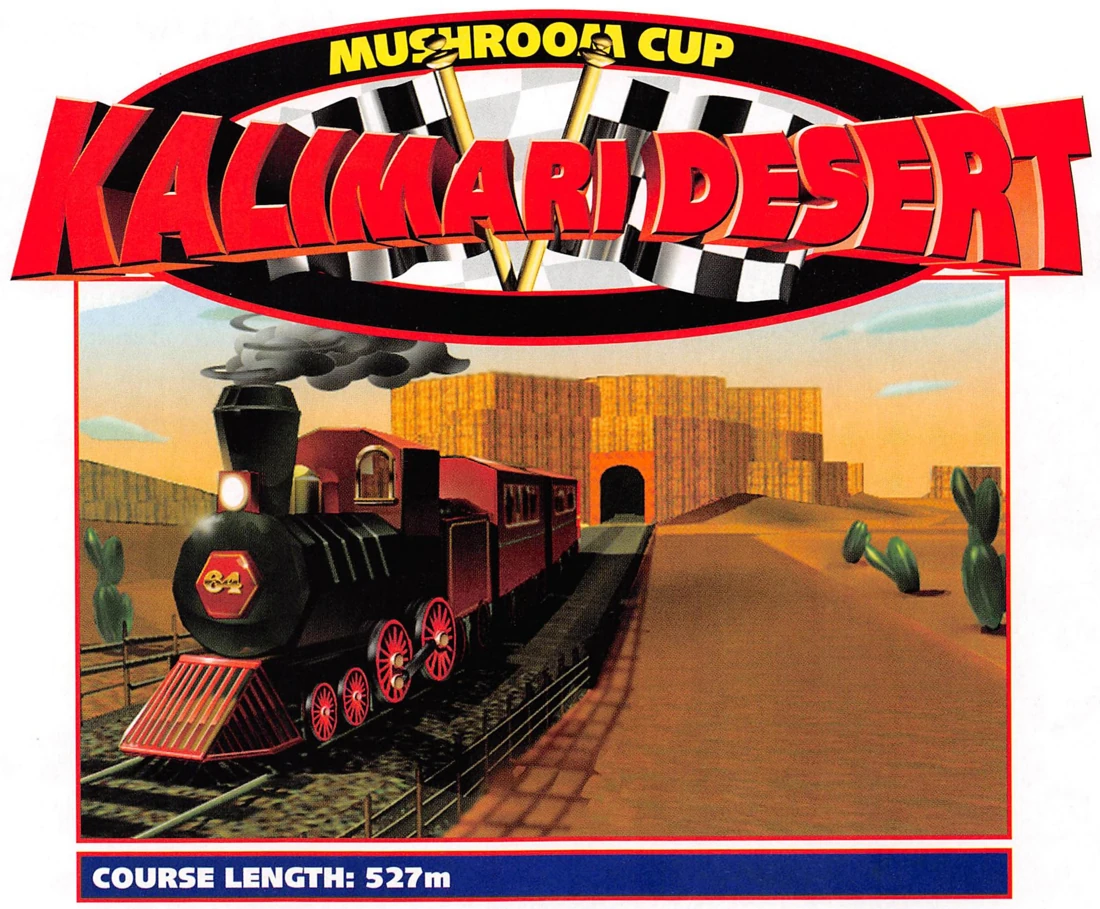
Kalimari Desert
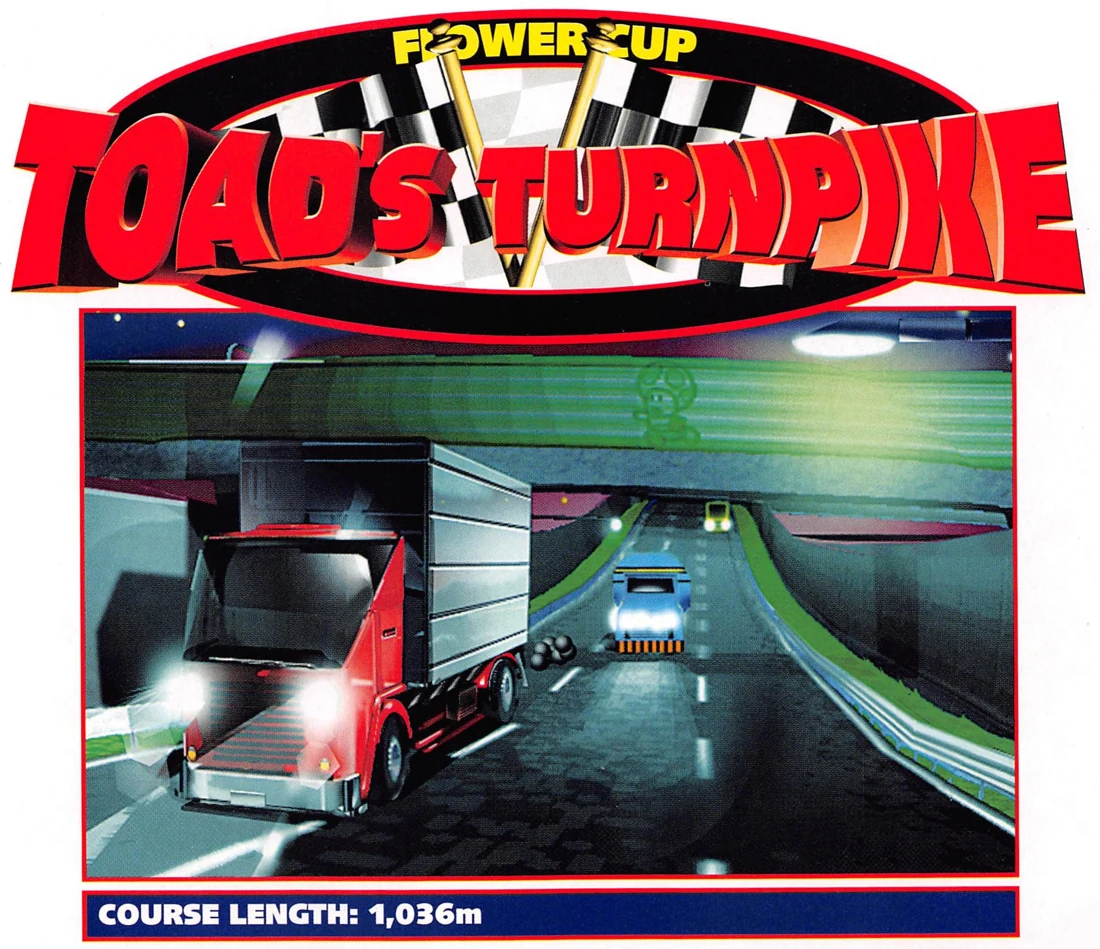
Toad’s Turnpike
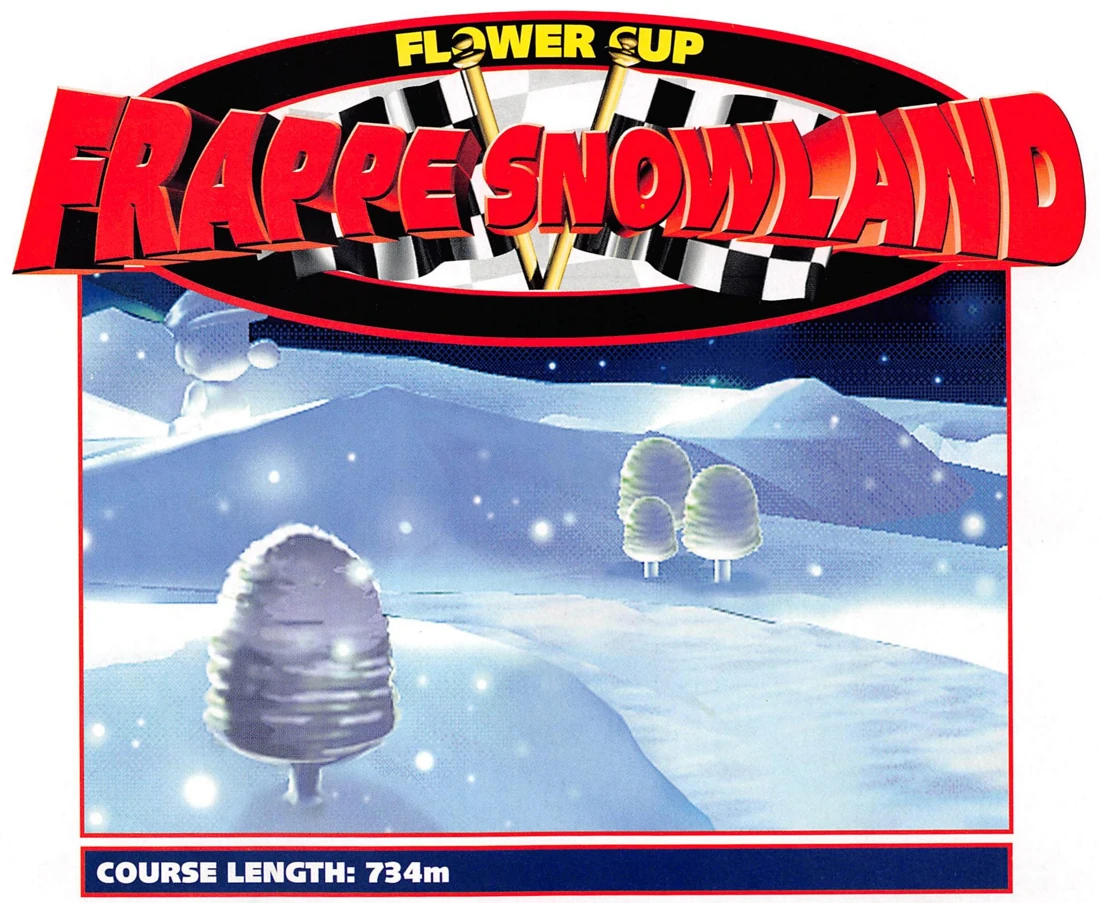
Frappe Snowland
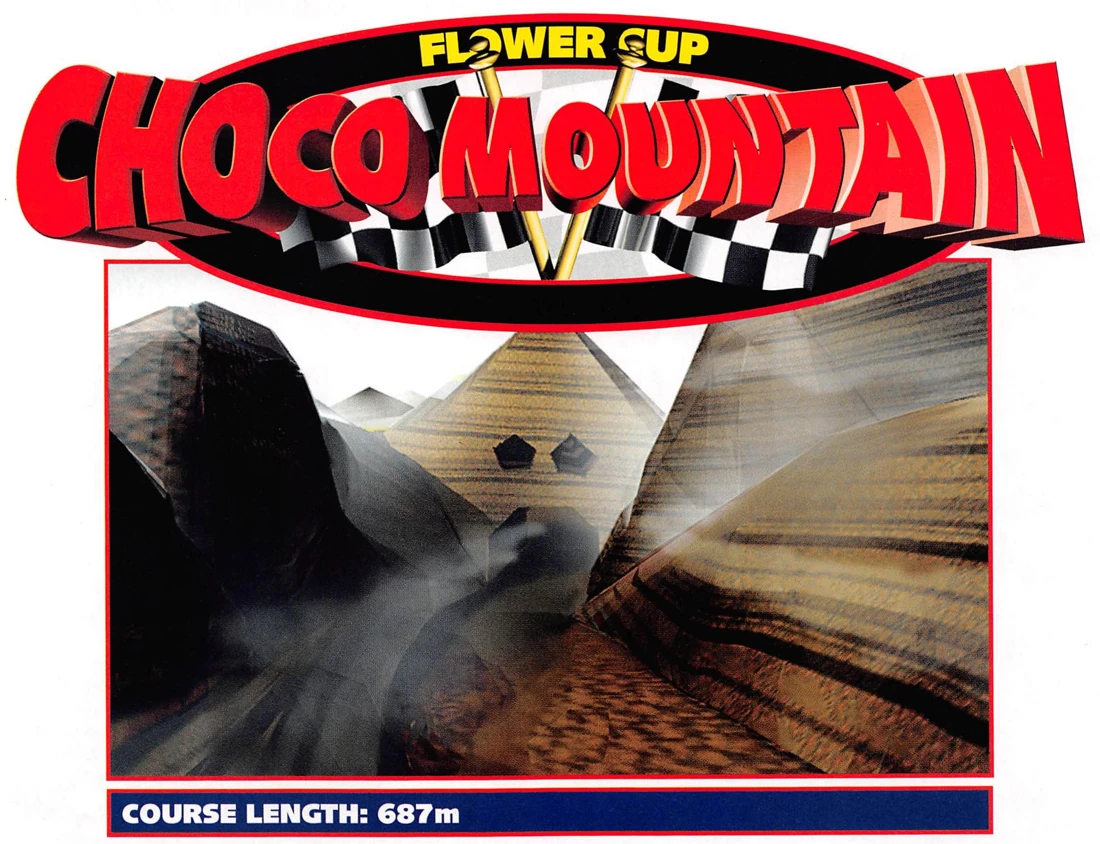
Choco Mountain
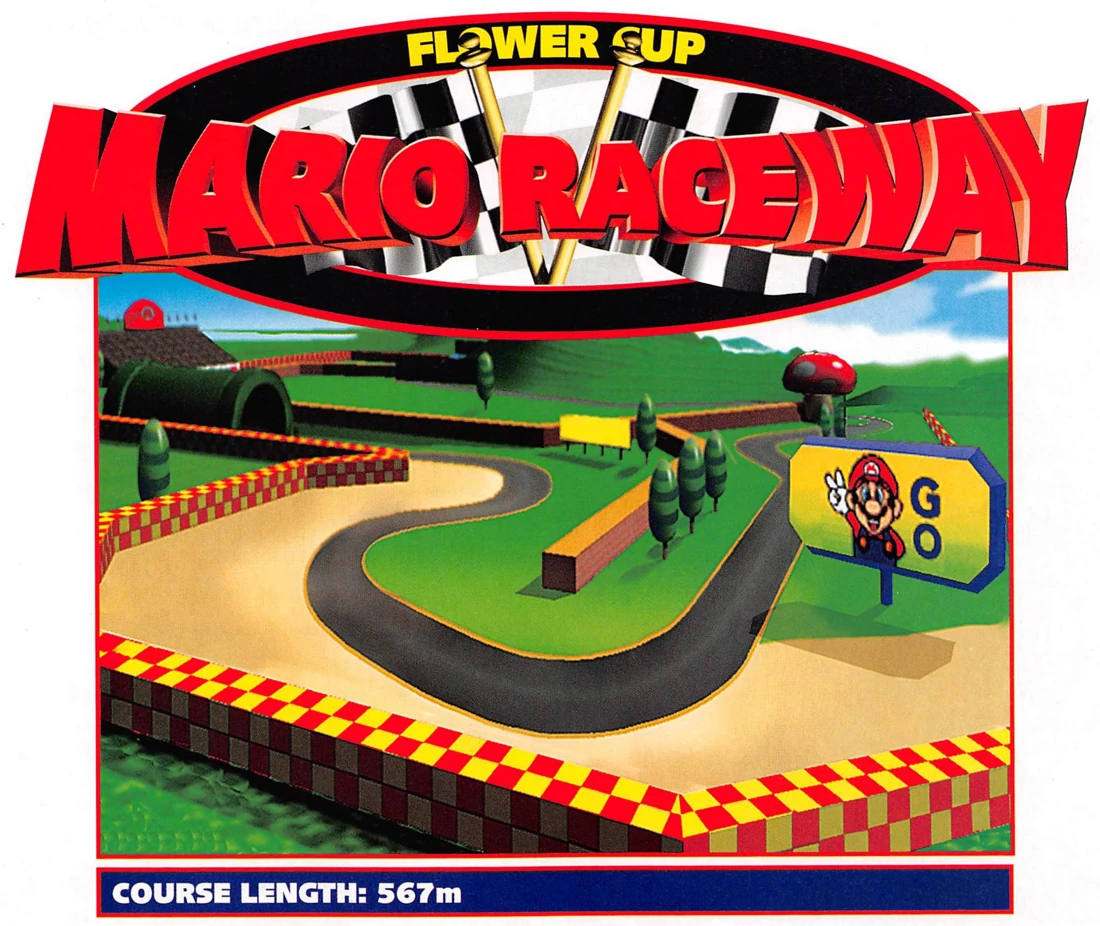
Mario Raceway
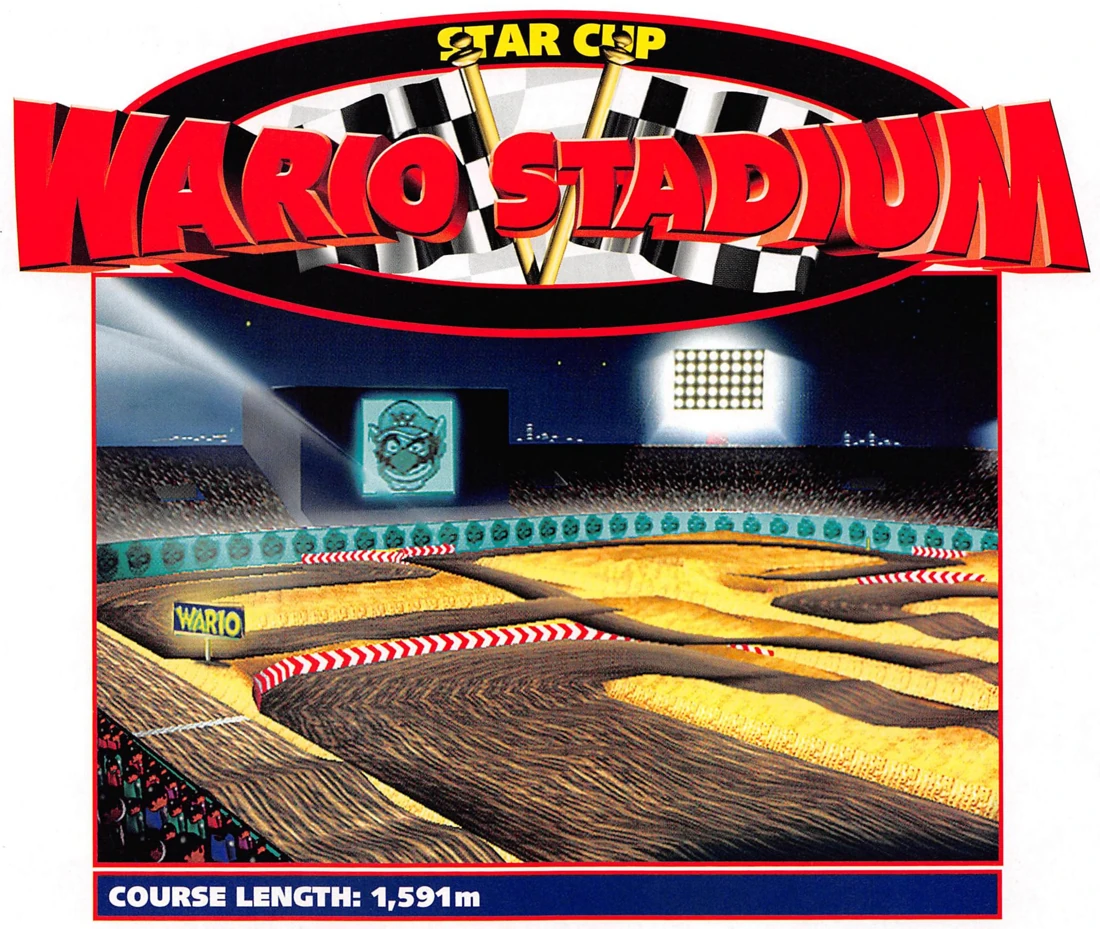
Wario Stadium
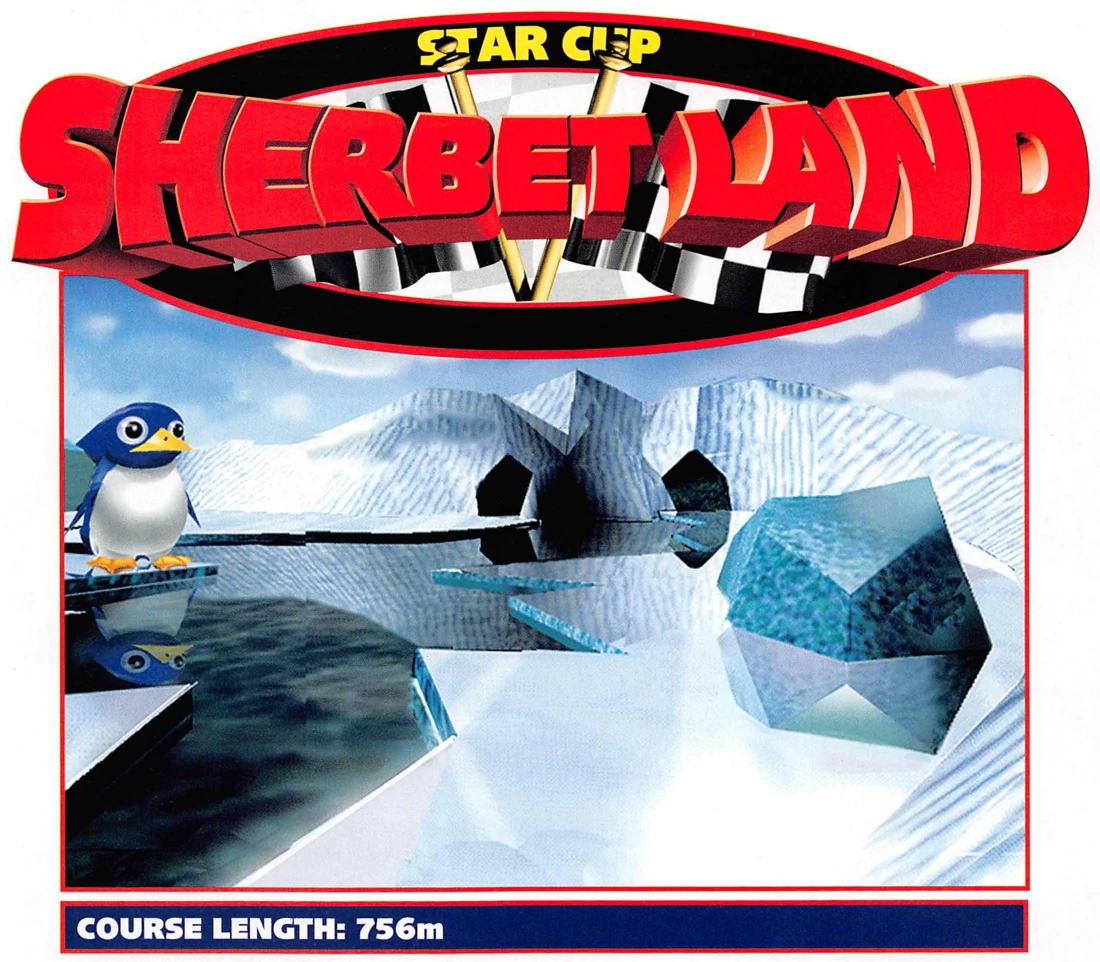
Sherbet Land
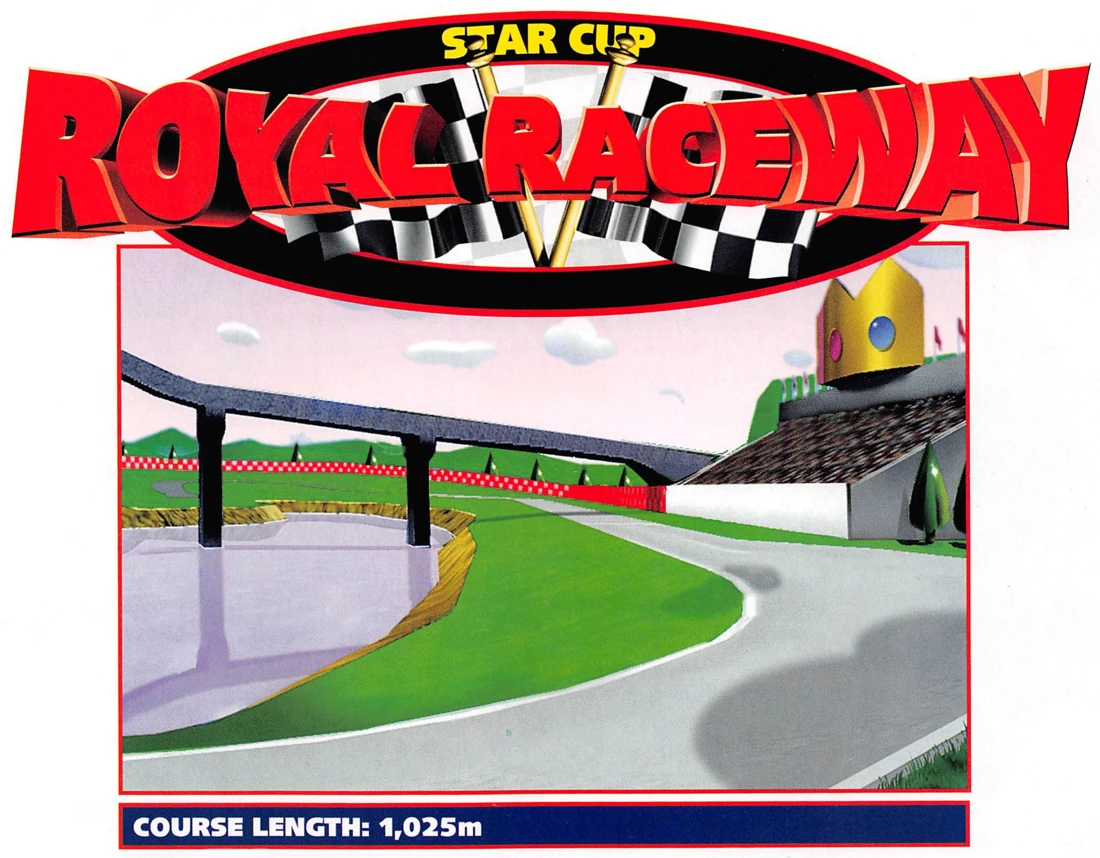
Royal Raceway
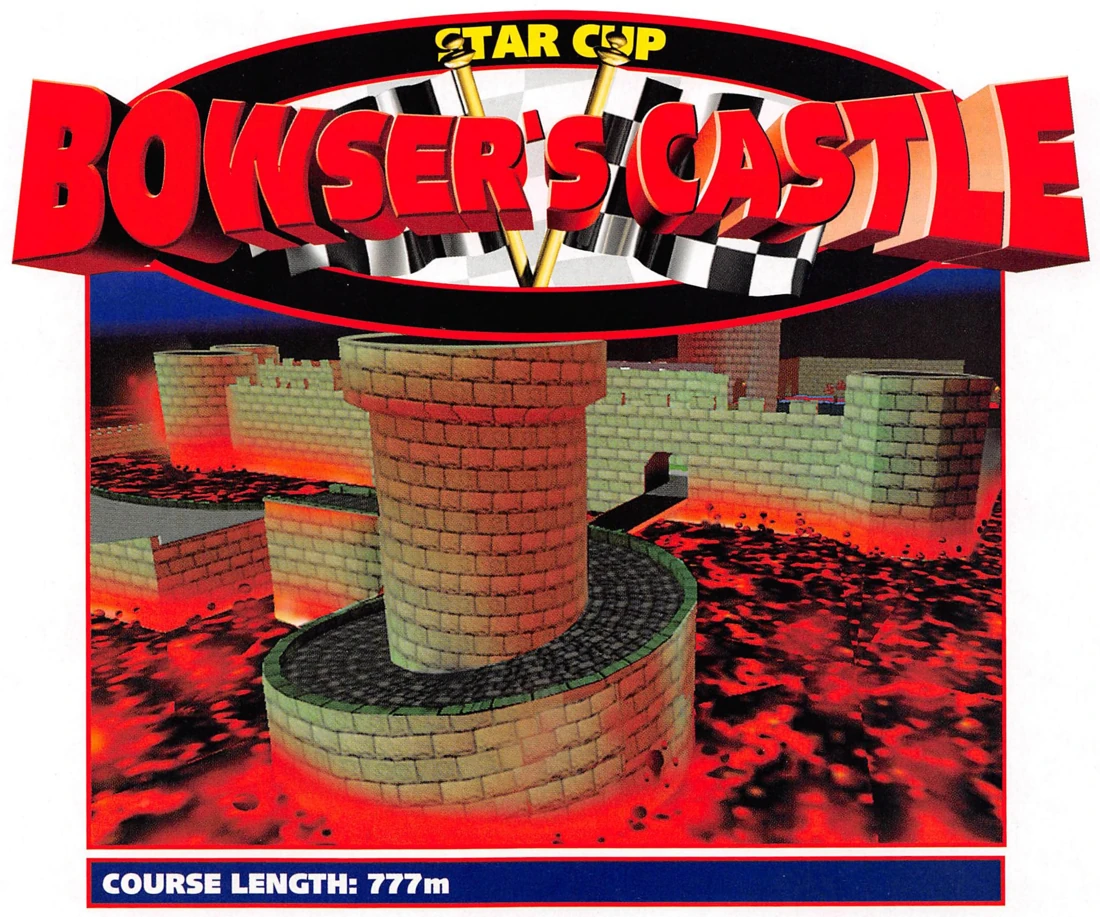
Bowser’s Castle
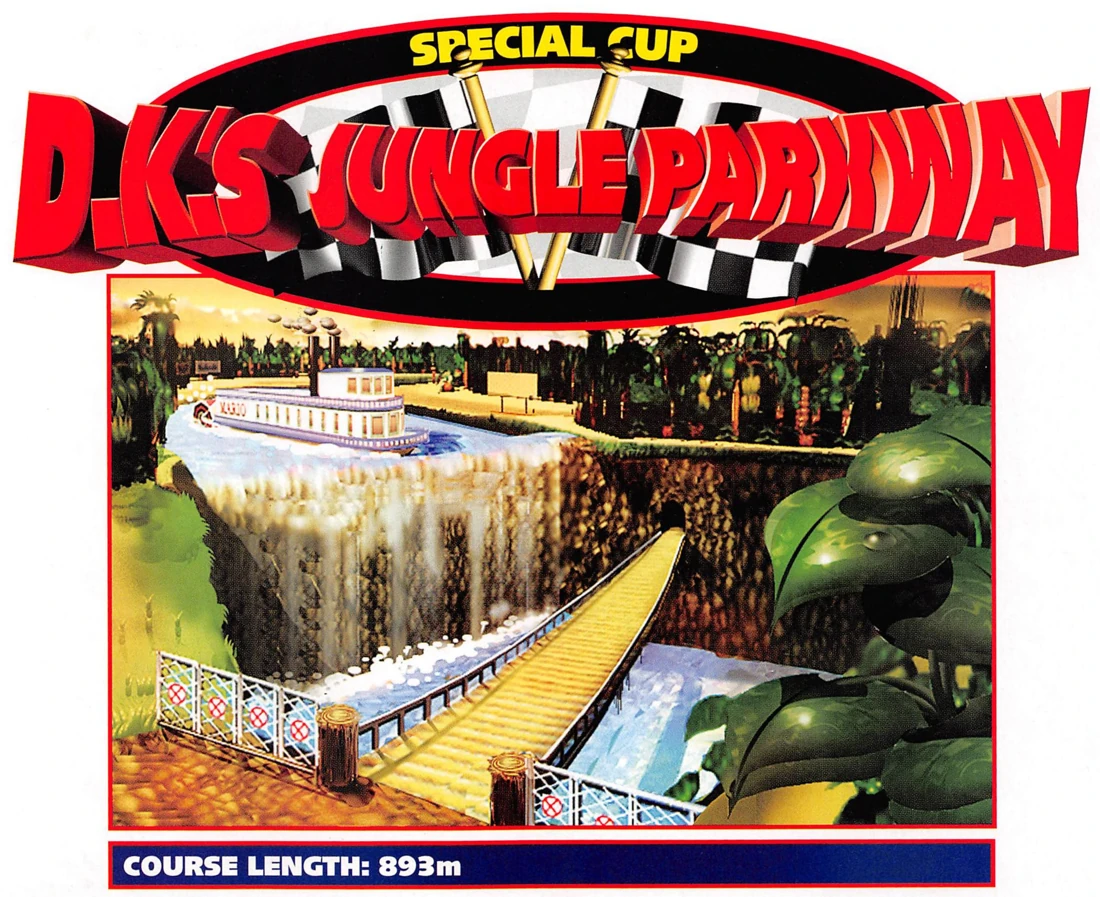
D.K.’s Jungle Parkway
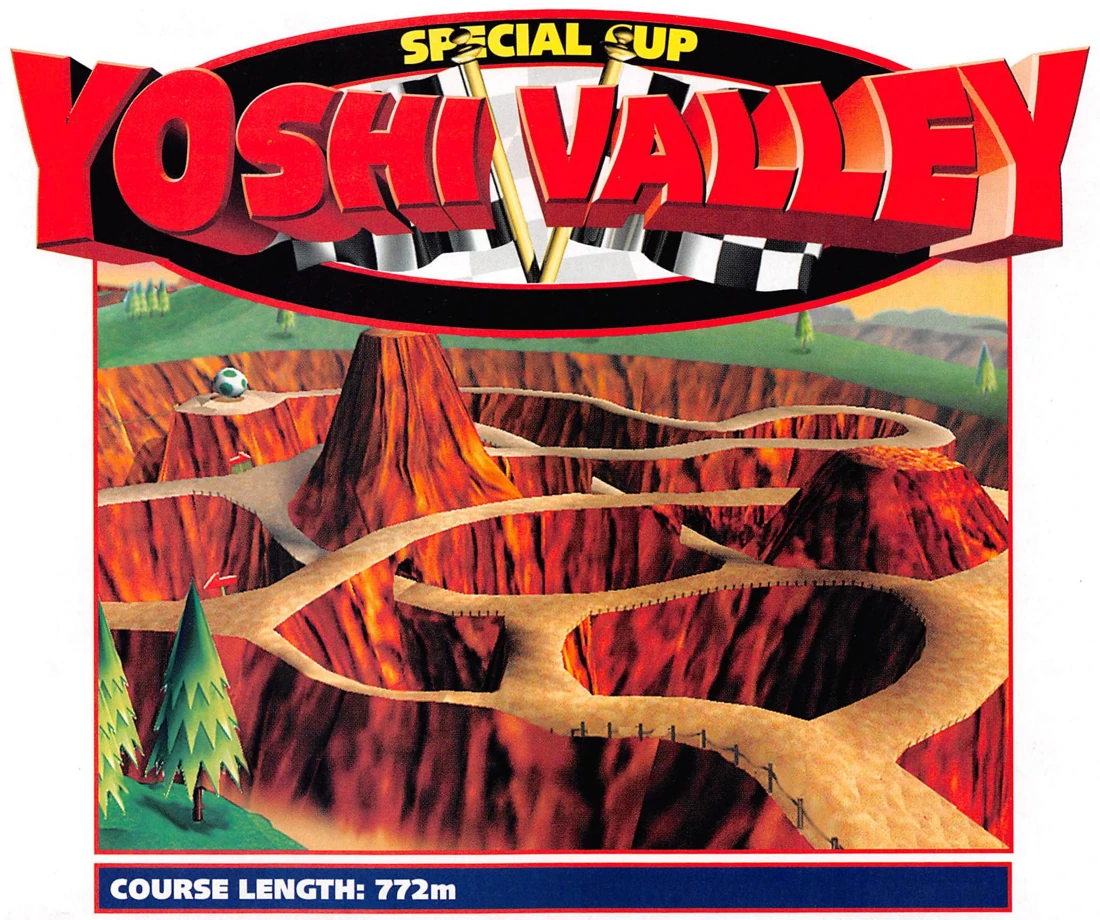
Yoshi Valley
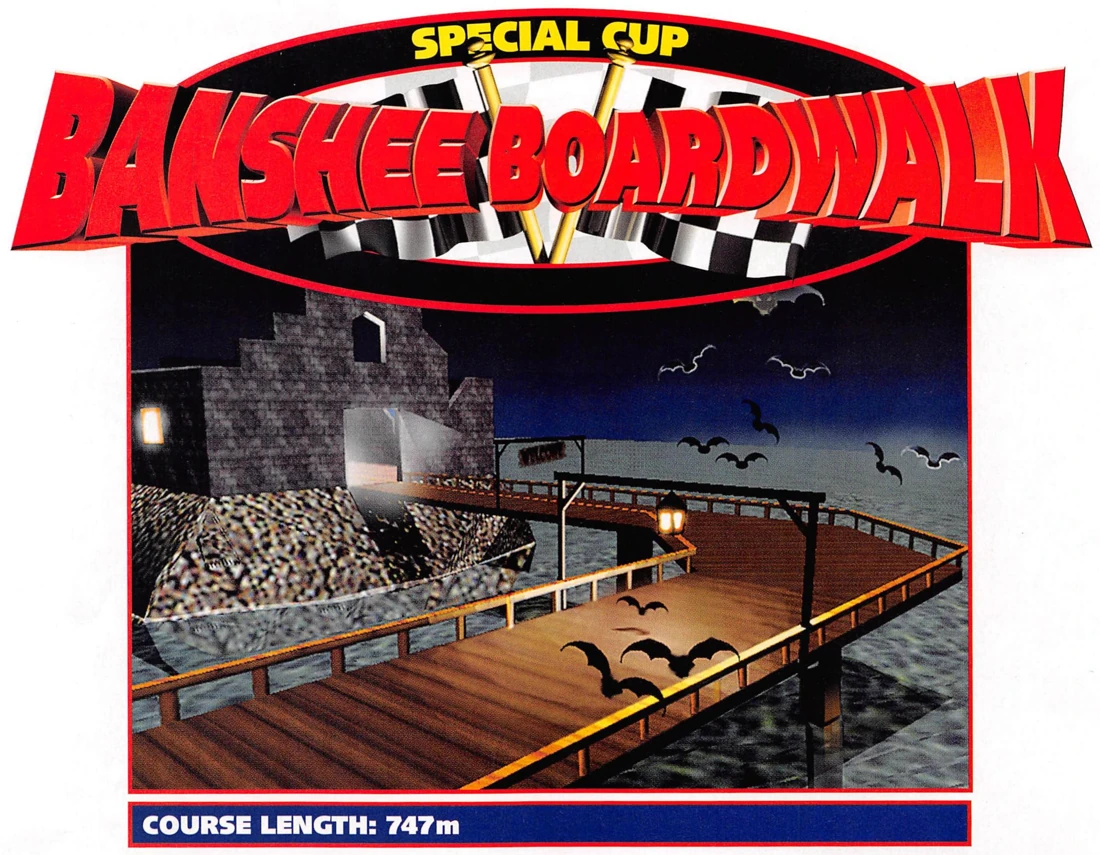
Banshee Boardwalk
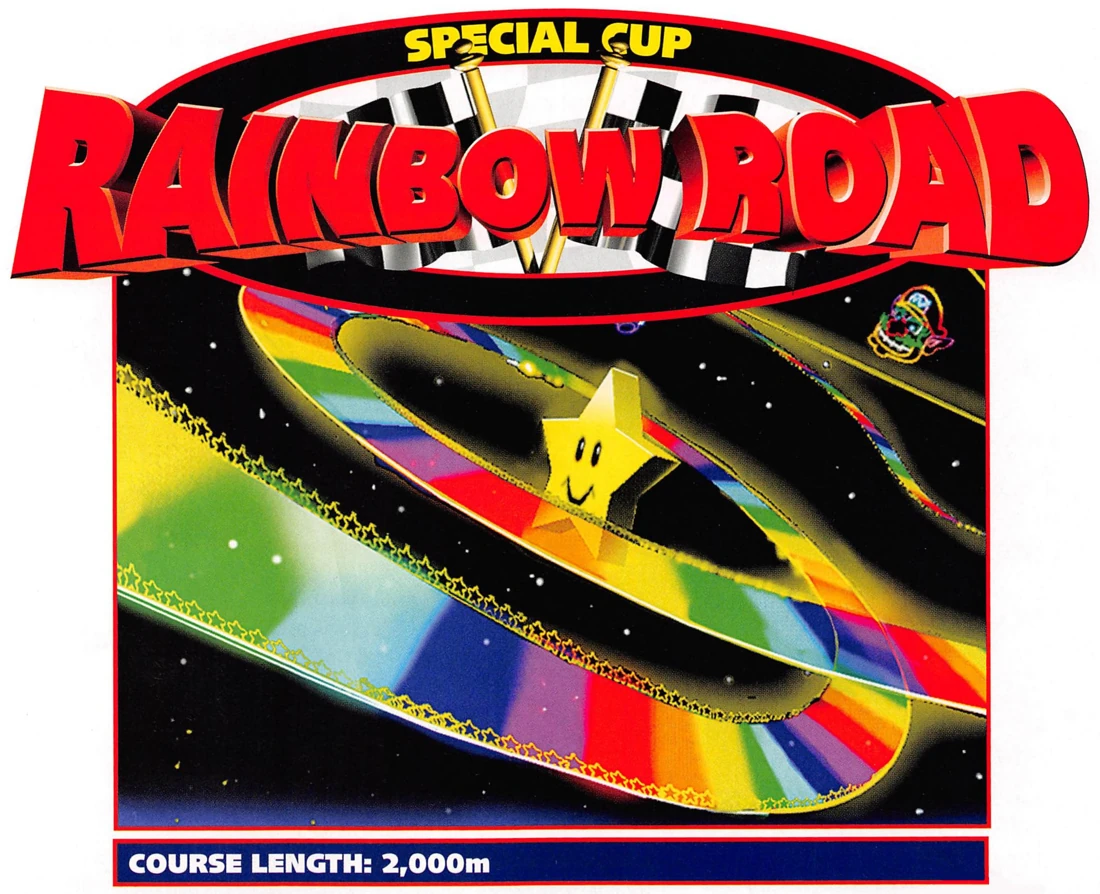
Rainbow Road
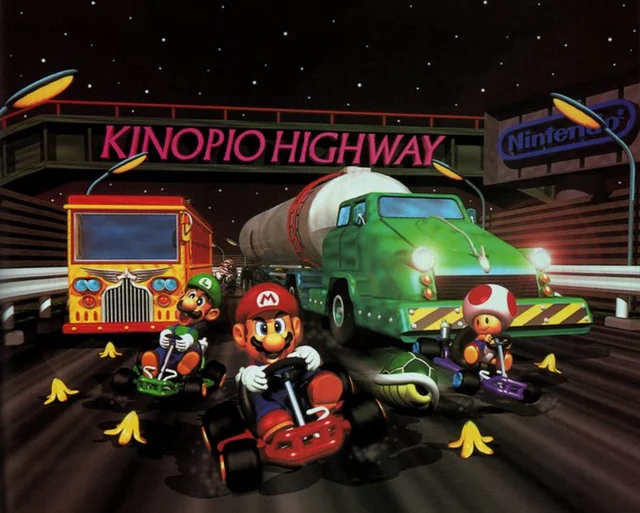 TOAD’S TURNPIKE / ORIGINAL ARTWORK
FROM THE BOOKLET TO THE HANDHELD
Same friendly rivalry.
New starting line.
Mario Kart 64’s world is all big personalities, impossible shortcuts and last-second shells. This project brings the original game to Nintendo’s handheld through a native port, with a dual-screen interface of its own.
The work continues. Explore the source, try a build and help shape the next lap.
Meet the project & its contributors3. Before starting the game
A quick pit stop.
Your console. Your game. Everything ready for the first race.
- 1
Choose your build.
Install the CIA with FBI, or use the full 3DSX with the Homebrew Launcher. The CIA is recommended for expanded application memory.
Get the latest release - 2
Bring your own game.
Place your compatible USA ROM in
sd:/3ds/MK64/and name itmk64.z64. It must use Z64 byte order. - 3
Let the first lap load.
Launch the port to validate the ROM and create
mk64.o2r. Keep the console charged during extraction. Future launches reuse this archive.
4. The operation card
Find your racing line.
Hop into a corner. Hold the drift. Time the item.
Circle PadSteer
A buttonAccelerate
B buttonBrake / reverse
R buttonHop / drift
L buttonUse an item
X buttonCamera distance
Y buttonCycle the top-screen HUD
STARTStart / pause
Touch the lower screen to navigate menus. From Game Select, L opens
Options.
See the full control reference
5. Driver’s handbook
Before you
hit the gas.
A few things worth knowing before the next race.
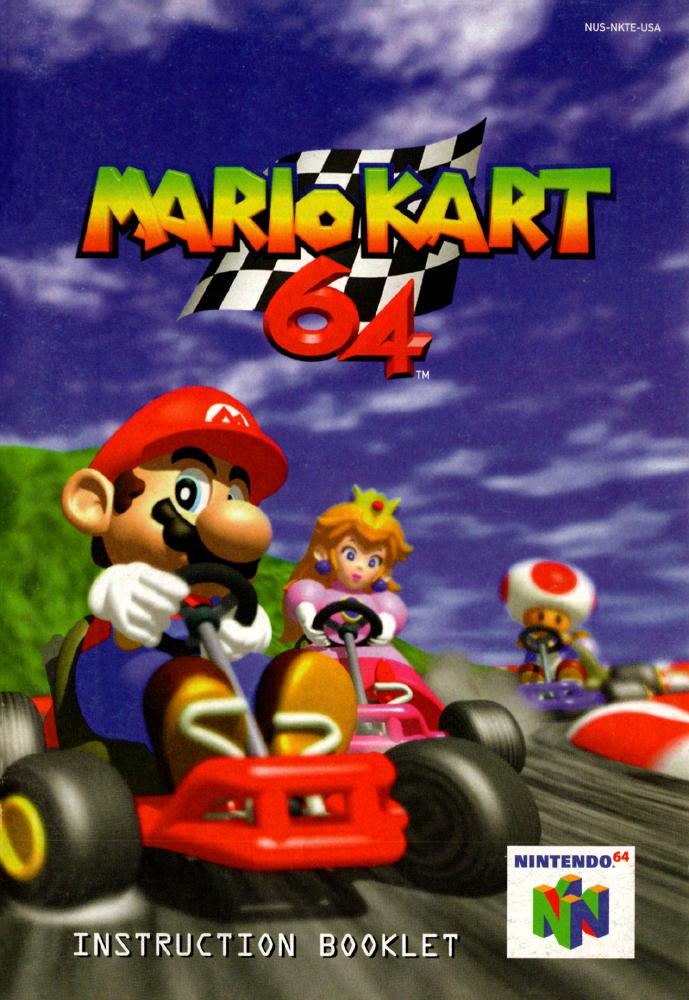 THE ORIGINAL MANUAL
01Does it work on Old and New Nintendo 3DS?
+
The port has hardware profiles for both Old and New Nintendo 3DS. The installed CIA requests expanded application memory on both; Old models can take longer to launch and exit while the system changes memory mode. Performance varies by console, course and settings. The CIA is recommended for the expanded-memory path.
02Which ROM do I need?
+
Provide your own legally obtained USA Mario Kart 64 ROM, in
.z64 byte order. Name it mk64.z64 and place it in
sd:/3ds/MK64/. Renaming a .n64 or .v64 file
does not change its byte order; the README links a conversion tool. Game data is not
included in the download.
03Why is the first launch taking so long?
+
The console validates your ROM and builds mk64.o2r. This first
extraction can take a long time; keep the battery charged. You can close the lid
while it continues, or press START to cancel safely. Later launches reuse
the completed archive. For faster setup, create the archive with SpaghettiKart on a
computer and copy it alongside your ROM.
04Is this a 60 FPS port?
+
The original simulation runs at 30 Hz. Adaptive interpolation can add an intermediate frame when there is enough headroom, then fall back to the required frames under load. It is not a fixed or sustained 60 FPS mode. Render scale, distance and filters can be adjusted in Display settings.
05Can we race together?
+
Multiplayer is planned, but is not currently available. Follow the GitHub project or our Discord community for development updates. The original game’s multiplayer modes should not be taken as a feature promise for the current 3DS port.
06How do I update and keep my saves?
+
Open Options → Game → Update to check Stable or Experimental
builds. Review the changelog and confirm installation; the game then closes. The
updater preserves your ROM, O2R, saves and settings. Time Trial ghosts use the
original two save slots in sd:/3ds/MK64/controller-pak.bin. Keep a
backup of your MK64 folder.
6. The pit crew
A bump in the road?
Tell us your build, console model, course, game mode and display settings, plus what happened just before the issue. Screenshots and a clear set of steps help us find the problem.
Diagnostic toolkit
- SELECT
- Capture a diagnostic report.
- L + SELECT
- Add an expanded application RAM snapshot. Larger and slower; not a whole-system dump.
- Developer → Clean dumps
- Remove reports and start a fresh log. Game data, settings and saves are preserved.
sd:/3ds/MK64/dump/
Share diagnostic folders privately. Keep ROMs, O2R archives, saves and memory captures out of public issues.
THE NEXT LAP
Still on the track.
An ongoing native port by EstebanPdN.
There’s more racing ahead.
PORT DEVELOPMENT