
NEW NINTENDO 3DS

Public Beta 01
Install the beta
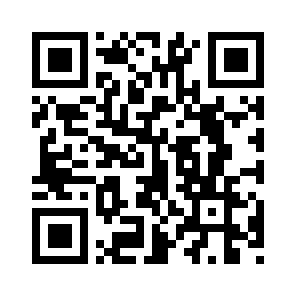
In FBI on your New Nintendo 3DS, choose Remote Install, then Scan QR Code. You can also download the CIA and install it from your SD card.
Prepare the game files
Use the Dusklight extractor with your own GameCube Twilight Princess ISO (USA or PAL revision 0, GZ2E01 or GZ2P01).
Forge 3DS Converter
-
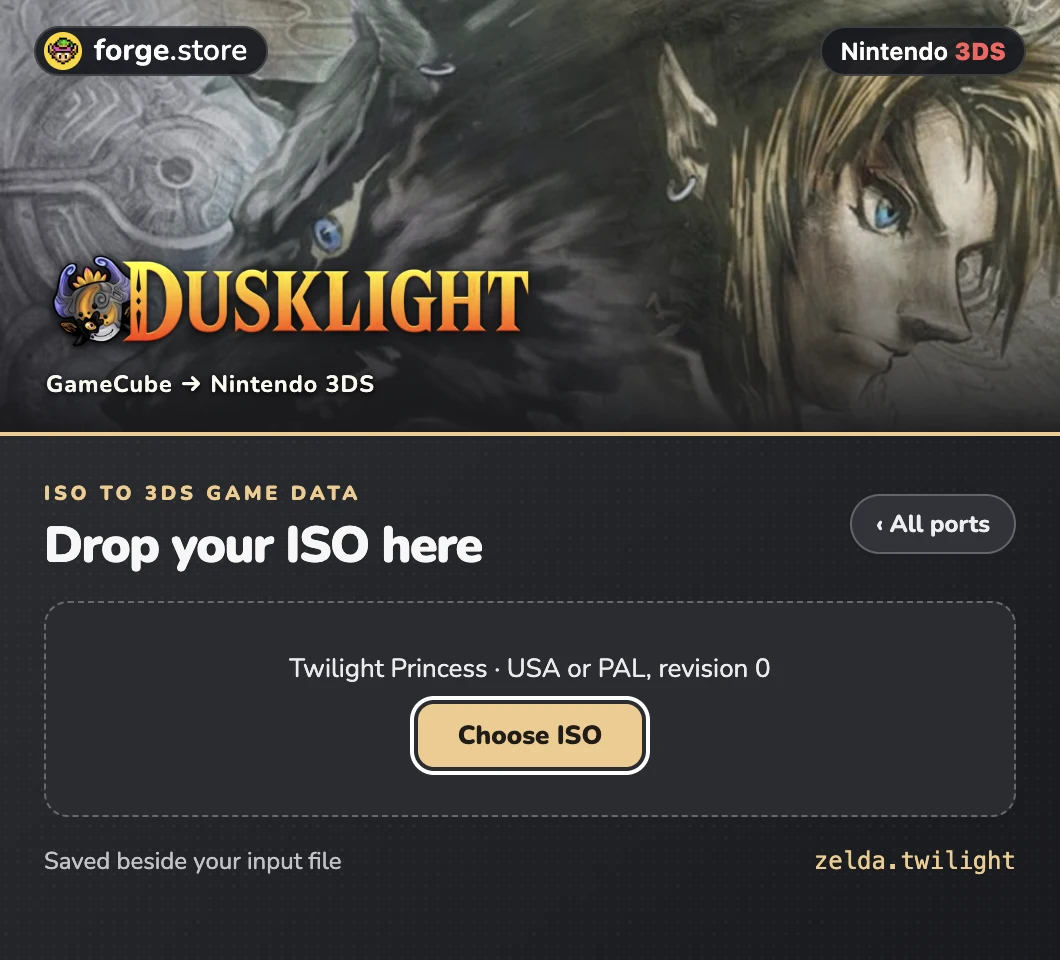
Select your ISO
Open Forge 3DS Converter and select DuskLight. Drag your ISO onto the window or click Choose ISO to browse for it.
-
Convert and find the pack
Wait for Game data verified. Click Show in folder to find
zelda.twilightbeside your ISO.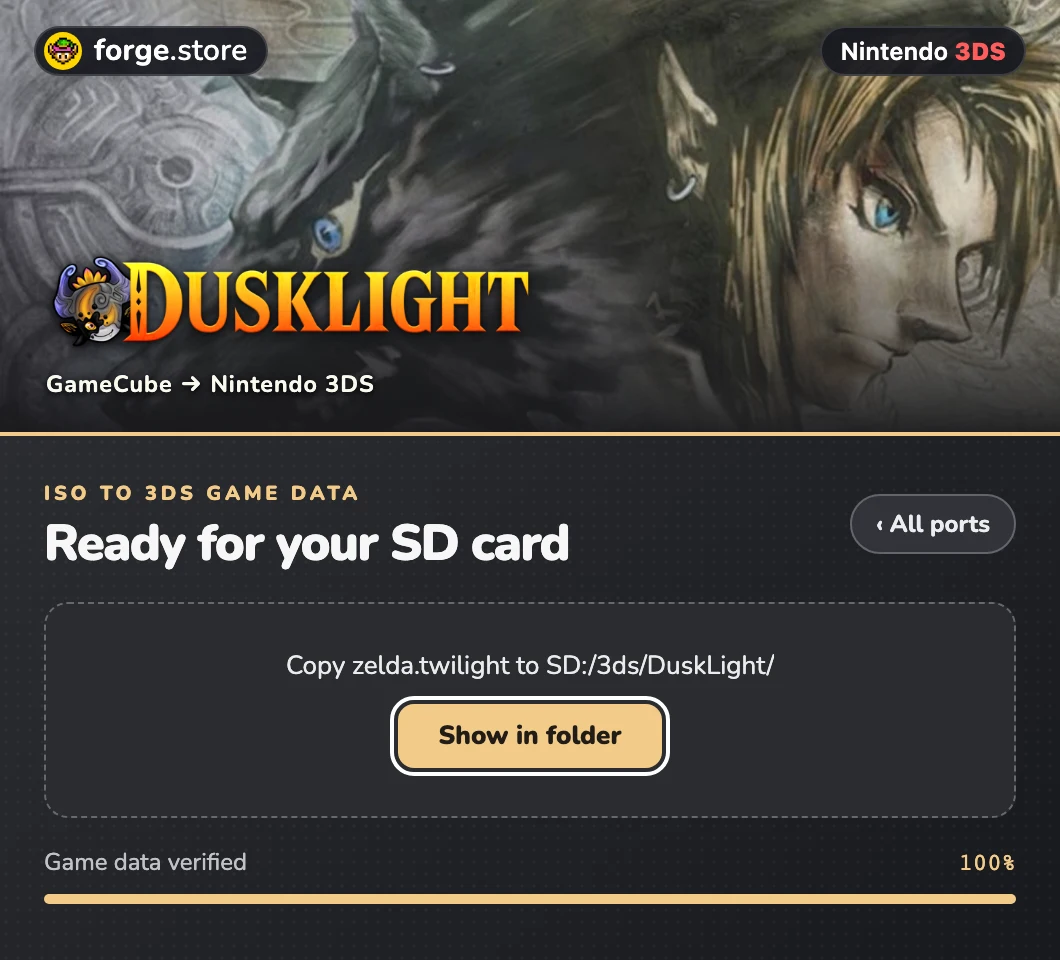
-
Copy to your SD card
On your 3DS SD card, open
3dsand create aDuskLightfolder if needed. Copy the pack to/3ds/DuskLight/zelda.twilight, reinsert the card and launch Dusklight.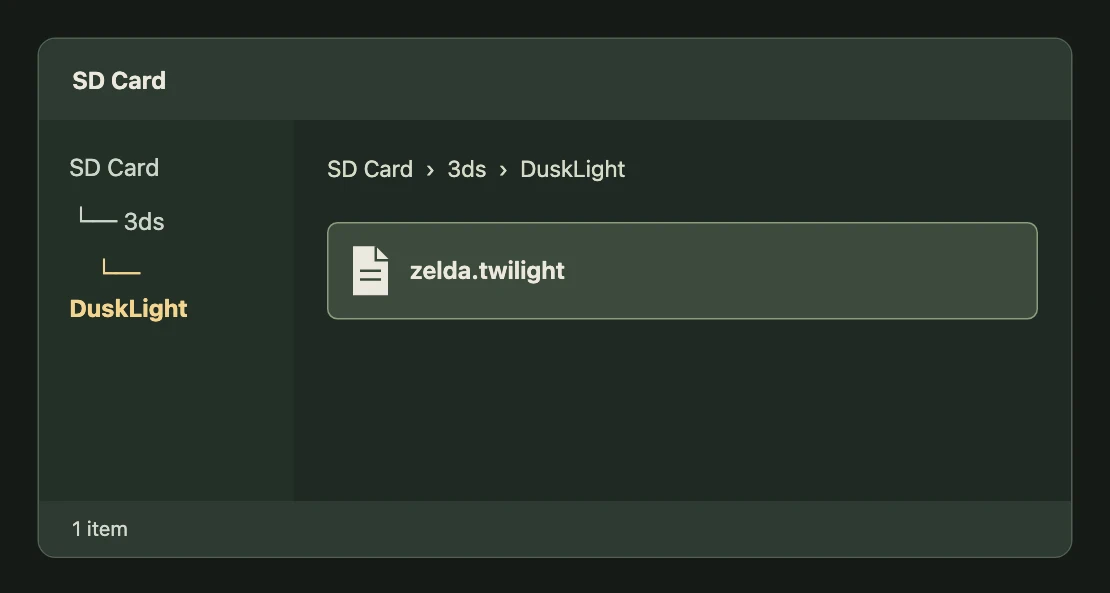
Use the Python extractor instead
Download and unzip the script, then place your ISO beside
twilight_pack.py and name it twilight.iso. Open a terminal
in that folder and run the command for your computer.
py -3 twilight_pack.py --input "twilight.iso" --output "zelda.twilight"python3 twilight_pack.py --input "twilight.iso" --output "zelda.twilight"Copy the resulting pack to /3ds/DuskLight/zelda.twilight on the SD
card.
Send a dump
Tap DUMP on the lower screen and wait for DONE. ZIP
one completed folder from /3ds/DuskLight/dumps/. Include
dump.dpk and send each dump separately.